Restore a Mordhau backup when a configuration or file change has broken the server. Restoring replaces current files with the contents of the selected backup, so back up the current state first if you may need it later.
- Open your Mordhau server in the control panel.
- Stop the server.
- Click Restore Backup.
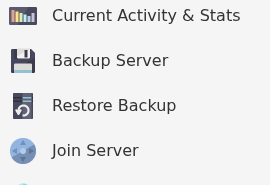
- Select the required ZIP file from Select a backup to restore.
- Check the backup date and time carefully, tick Are you sure?, then click Execute.

- Wait for the restore task to finish before starting the server.
- Start the server and check Web Console for startup errors.
If the required backup is not listed or the restore fails, submit a support ticket before deleting or renaming any more files.
