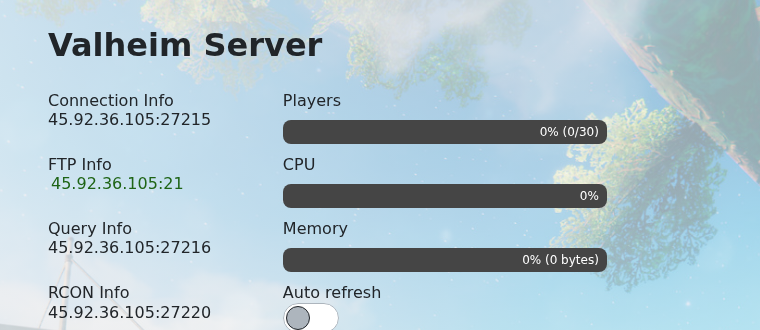
Join your Valheim server with the address shown as Connection Info in the control panel. Valheim can also appear in the community server browser, but direct connect is usually the fastest way to join a specific server.
- Open your Valheim server in the control panel and copy the IP and port from Connection Info.
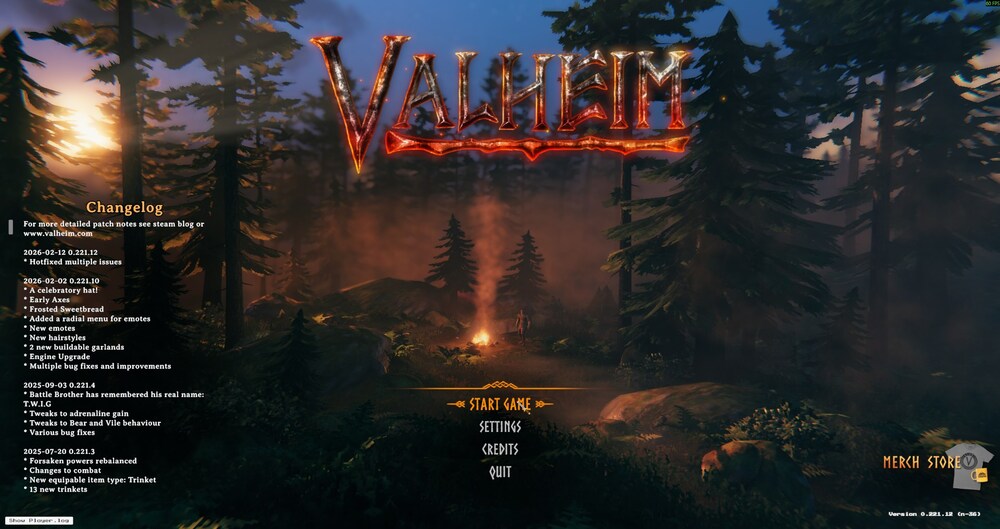
- Open Valheim from the main menu.
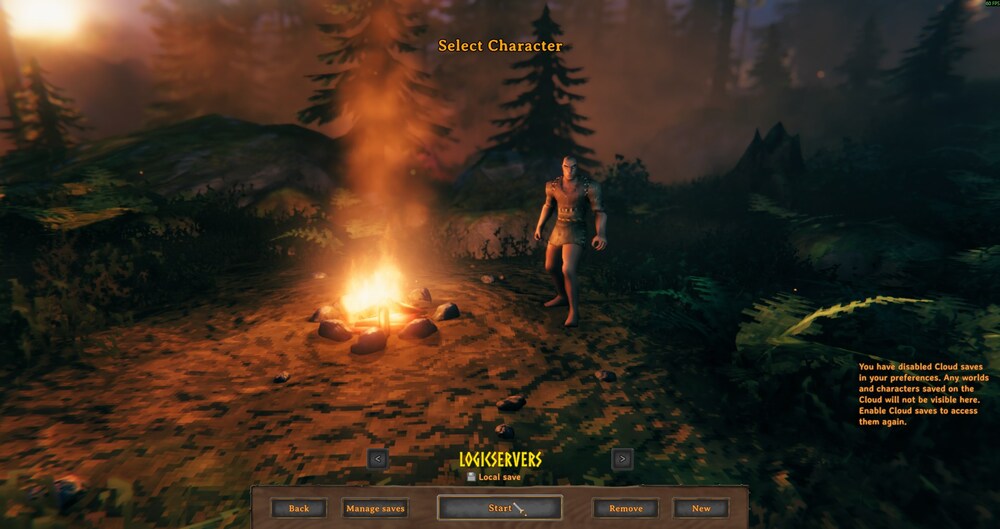
- Select the character you want to use.
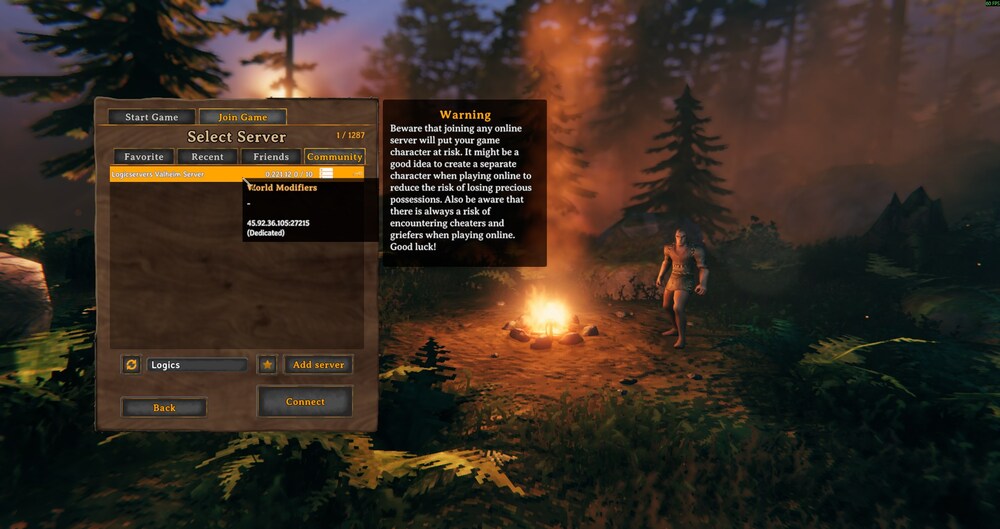
- Open the server browser and search for your server name. Select the server result when it appears.
- Enter the server password if one is configured, then connect.
If the server browser does not show the server immediately, use direct connect and make sure the server has fully started.
If the server does not appear
Confirm the server is online in the control panel, then refresh the in-game browser. Server lists can take a few minutes to update after a restart. If direct connect is available, use the server IP and port from the control panel.
Connection checks
Make sure your game client is on the same branch or version as the server. Mods, passwords, and whitelist settings can also prevent a successful connection.
