Blackwake stores moderators in Mod.txt. The Config Editor adds each moderator by a display name and their 17-digit SteamID64.
- Open the Blackwake service and stop it.
- Click Configuration Files, then Config Editor beside
Mod.txt. - Click New Mod and enter a recognisable name and the player's SteamID64.
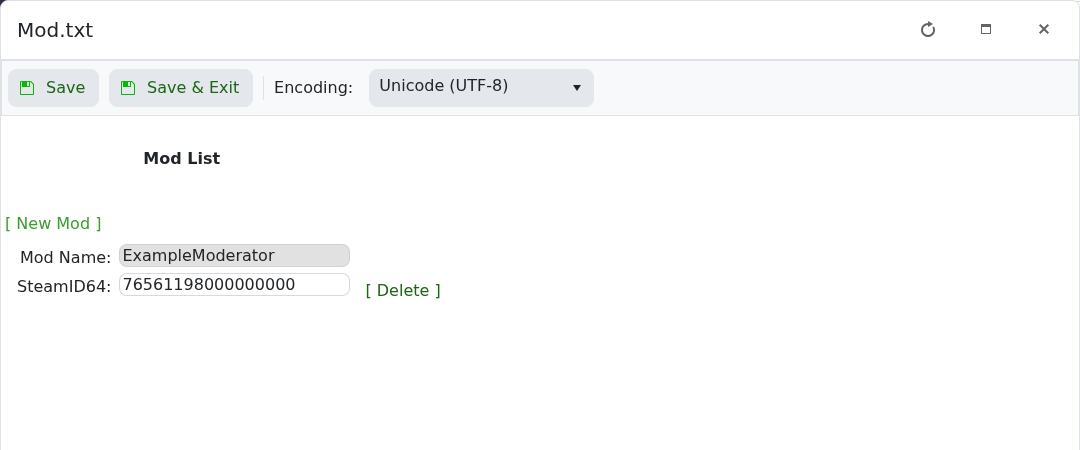
- Repeat the step for any other moderators, then click Save & Exit.
- Start the server and ask the player to reconnect.
Use Delete beside an entry to remove that moderator. If access does not apply, check every digit of the SteamID64 and restart the server again.
