The server name shown in Mordhau's browser is controlled by the Server Name field in the Game.ini Config Editor.
- Open your Mordhau server in the control panel.
- Click Configuration Files.
- Click Config Editor beside
Game.ini. - Enter the new name in Server Name.
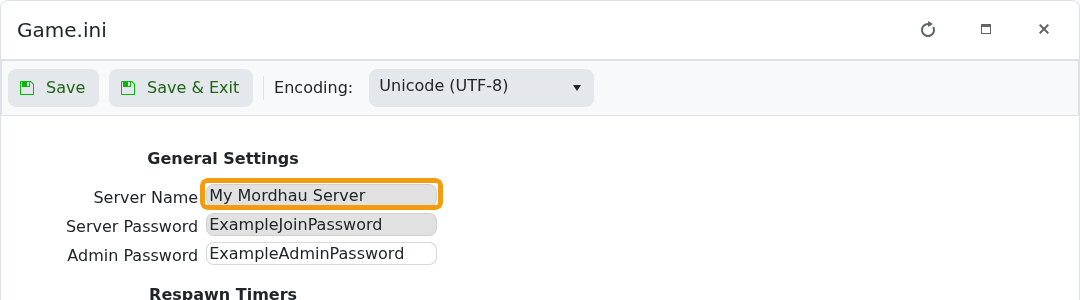
- Click Save & Exit.
- Restart the server, then refresh the Mordhau server browser.
Use a clear, readable name. If the old name remains after a restart, reopen the editor and confirm the new value was saved.
