The Mordhau admin password lets trusted players authenticate before using administrator commands. It is separate from the password players use to join.
- Open your Mordhau server in the control panel.
- Click Configuration Files.
- Click Config Editor beside
Game.ini. - Enter a strong password in Admin Password.
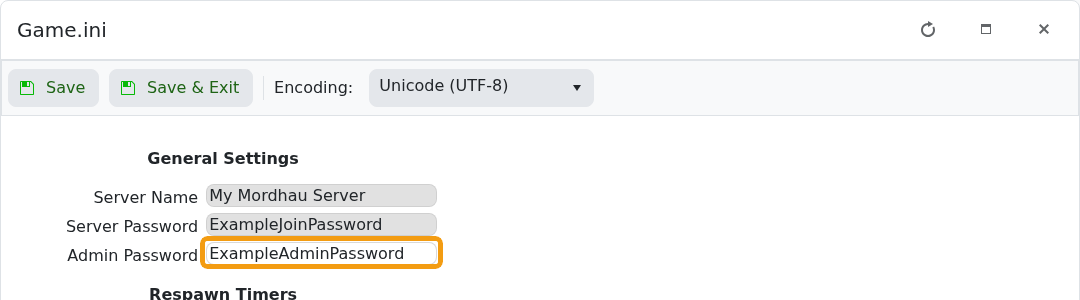
- Click Save & Exit, then restart the server.
- Join Mordhau, open the console and run:
adminlogin YOUR_ADMIN_PASSWORDReplace the example with the password you saved. Once authenticated, use the commands in Admin commands for your Mordhau server.
