The Avorion server name and join password are both available near the top of the server.ini Config Editor.
- Open your Avorion service, stop it, then click Configuration Files.
- Click Config Editor beside
saves\myserver\server.ini. - Enter the name players should see in Server Name. Add a Server Password if the server should be private.
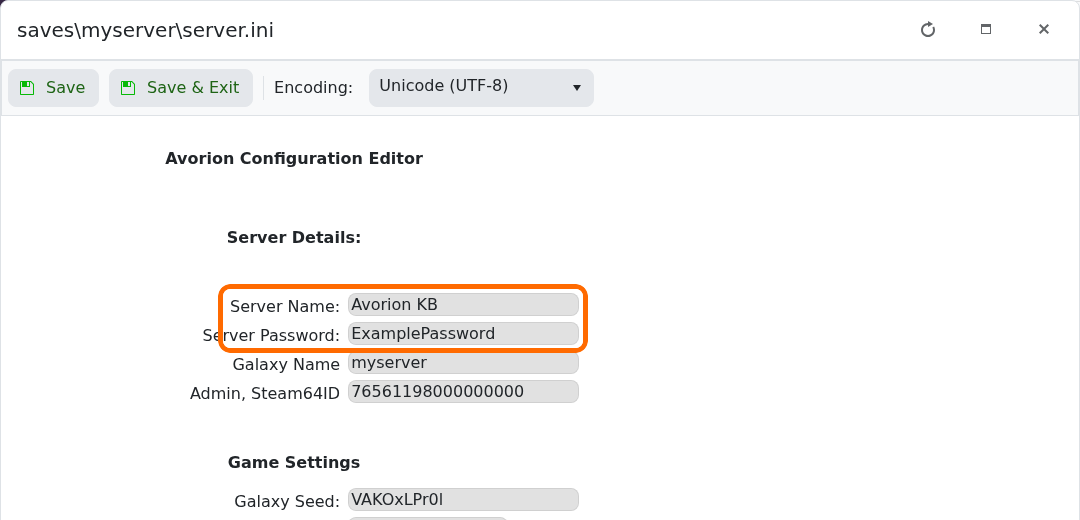
- Click Save & Exit, then start the server.
To remove password protection, stop the server, clear the Server Password field, save and start it again. Passwords are case-sensitive.
