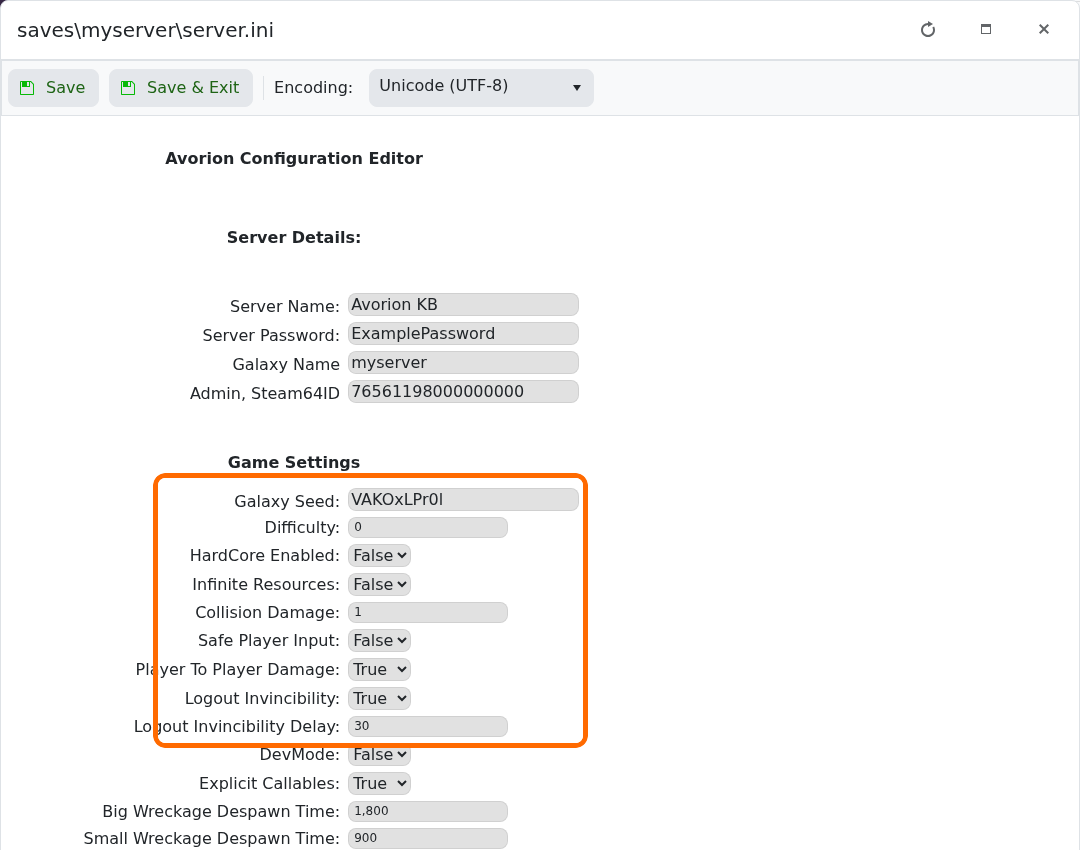
Avorion's Config Editor groups the main galaxy and gameplay options together, including difficulty, hardcore mode, resources, collision damage and player-versus-player damage.
- Open the server, take a backup and stop it.
- Click Configuration Files, then Config Editor beside
saves\myserver\server.ini. - Adjust the settings you want under Game Settings.
- Click Save & Exit, start the server and check the result in game.
Change a small group of related options at a time. A new Galaxy Seed affects a newly created galaxy; it does not regenerate an existing save. Keep hardcore mode disabled unless you deliberately want its harsher death rules.
