The public server-list setting is stored as isListed in Avorion's server.ini file.
- Open the Avorion service and stop it.
- Click Configuration Files, then Text Editor beside
saves\myserver\server.ini. - Find
isListed=under[Networking]and set it toisListed=true.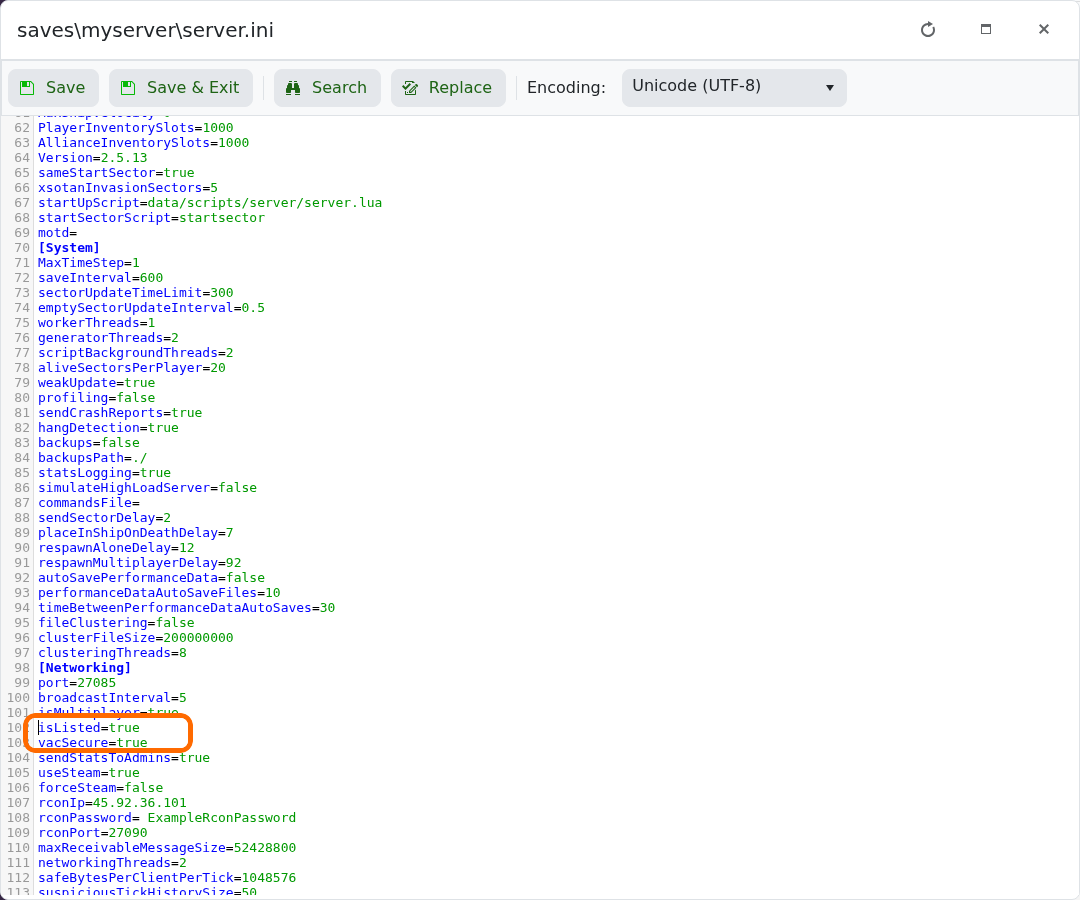
- Click Save & Exit, then start the server.
Set the value to false if you no longer want the server advertised. A public listing can take a few minutes to appear; players can still connect directly with the server IP and port.
