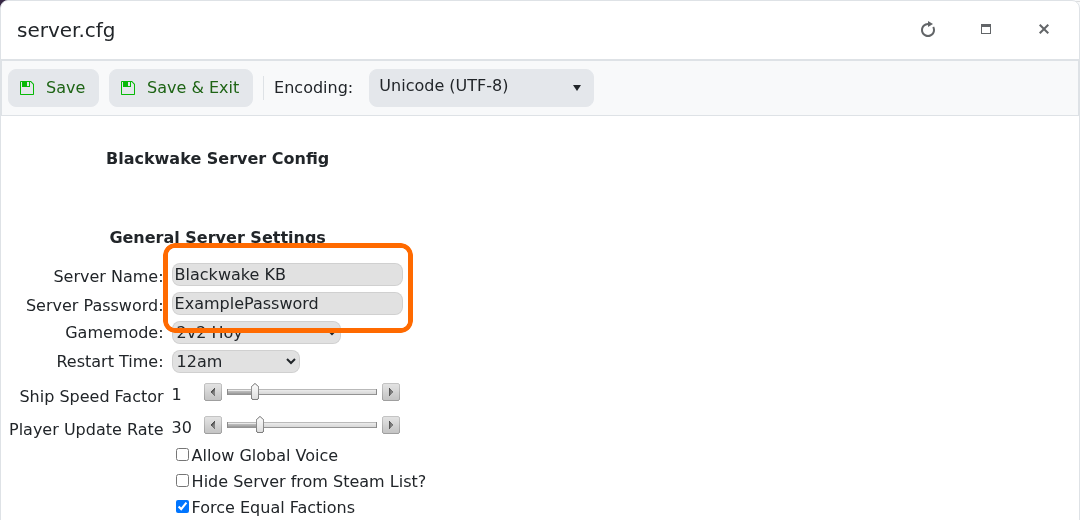
The public server name and optional join password are at the top of Blackwake's server.cfg Config Editor.
- Open the Blackwake service and stop it.
- Click Configuration Files, then Config Editor beside
server.cfg. - Change Server Name and enter a password if the server should be private.
- Click Save & Exit, start the server and refresh the server browser.
Clear the Server Password field to remove password protection. The configuration notes require passwords longer than three characters.
