Change the name players see in Smalland through the selected custom command line.
- Open your Smalland server and stop it.
- Click Commandline Manager, then open Custom Commandlines.
- Edit the selected command line, or click New to create one.
- Enter the new name in Server Name.
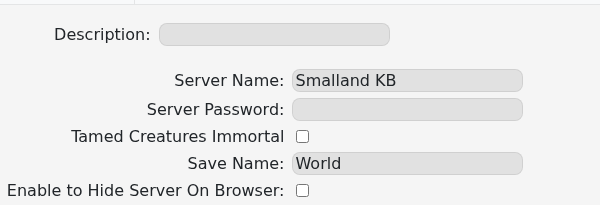
- Save the command line and click Select if it is a new entry.
- Start the server and refresh the Smalland server browser.
If the old name remains, confirm the command line is selected rather than only saved, then restart the server once more.
