Add a Smalland server password when only invited players should be able to join. Use a different password from your LogicServers and Steam accounts.
- Open your Smalland server and stop it.
- Click Commandline Manager, then open Custom Commandlines.
- Edit the selected command line, or create a new one.
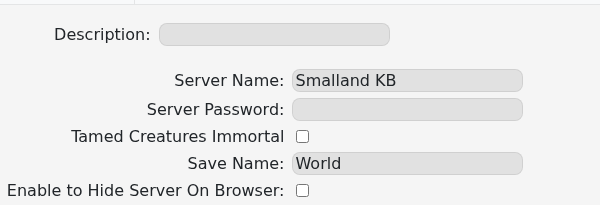
- Enter the join password in Server Password.
- Save the command line and select it if it is new.
- Start the server and confirm Smalland asks for the password when joining.
To remove the password, clear Server Password, save, select the command line and restart. If the old password remains active, the edited command line is probably not selected.
