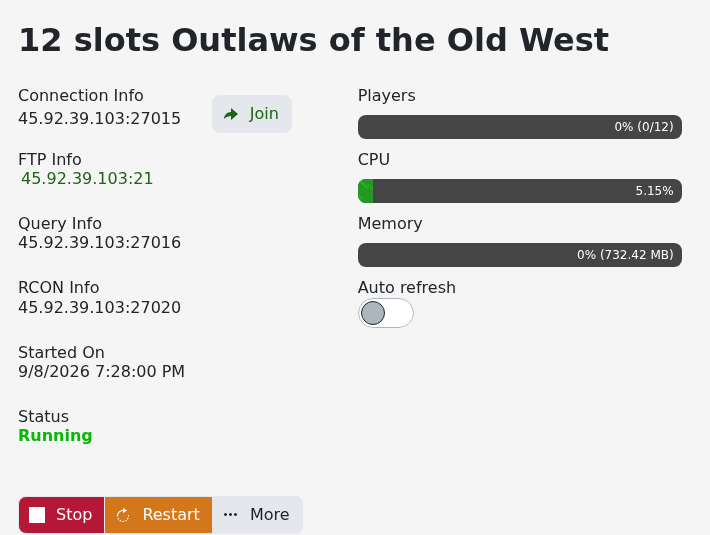
The service page shows the game address and a separate query address. Use the Join button beside Connection Info for the quickest route.
- Start the server and wait for its status to show Running.
- Click Join beside the game address.
- Allow the browser to open Steam, then accept any password prompt.
For a manual connection, copy the game IP and port shown under Connection Info. Do not substitute the FTP, query or RCON port: each one is used for a different service.
If the server is not visible immediately, wait a few minutes after startup, refresh the game browser and confirm your game client is fully updated.
