Steam players can be granted moderator access through Admin.ini. You need the player’s 17-digit SteamID64, not their profile name.
- Stop the server and open Configuration Files.
- Click Text Editor beside
Admin.ini. - Add a
[Moderators]section and oneModerator=line for each SteamID64.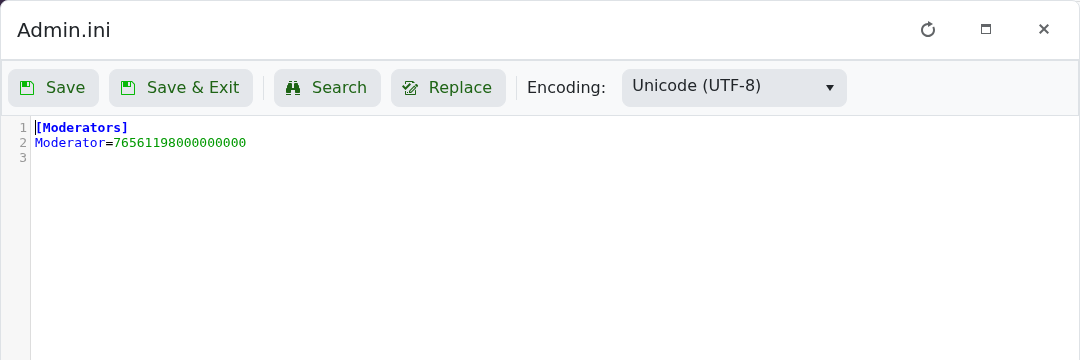
- Click Save & Exit and start the server.
[Moderators]
Moderator=76561198000000000
Moderator=76561198000000001
Replace the example numbers with real SteamID64 values. Manual entries in Admin.ini apply to Steam players; this method does not grant console accounts moderator access.
