The day/night cycle, facility power and weather can be tuned independently in SandboxSettings.ini.
- Stop the server and open
SandboxSettings.inithrough Configuration Files and Text Editor. - Change the required values using the table below.
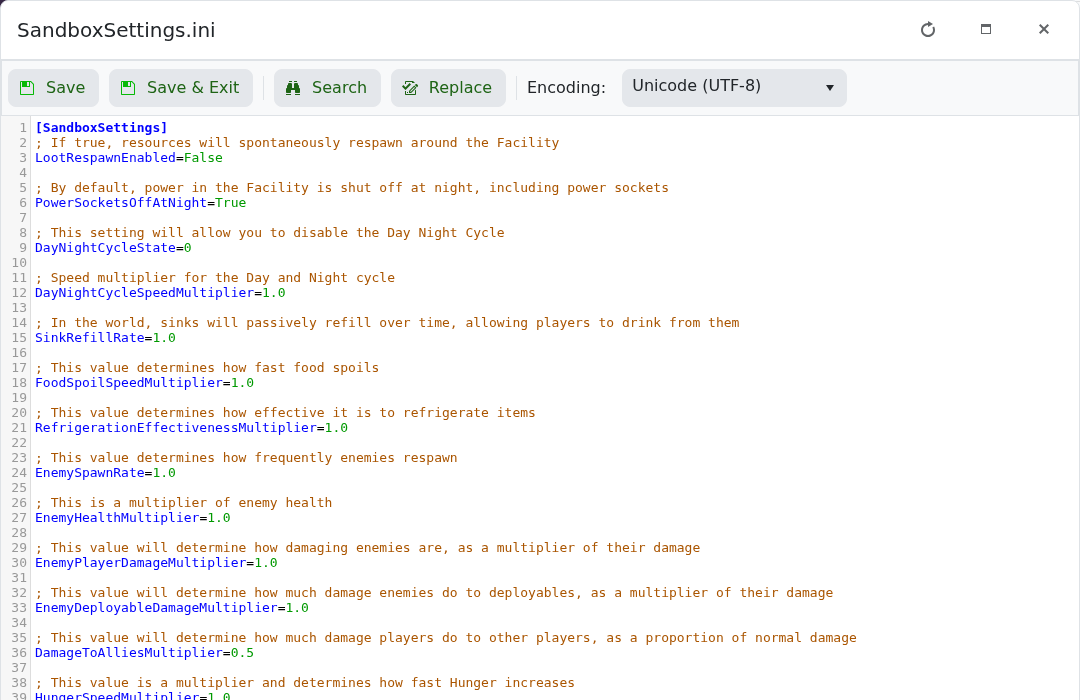
- Click Save & Exit and start the server.
| Setting | Useful values |
|---|---|
DayNightCycleState | 0 normal, 1 always day, 2 always night. |
DayNightCycleSpeedMultiplier | 1.0 standard; higher values make game time pass faster. |
PowerSocketsOffAtNight | False keeps facility sockets powered at night. |
WeatherFrequency | 1 never, 3 normal, 5 daily. |
Always-day or always-night worlds can affect events that depend on the time of day, so keep a copy of the original file before changing this setting.
