Survival needs use separate speed multipliers in SandboxSettings.ini. A lower value slows the need down; a higher value makes it rise more quickly.
- Stop the server and open
SandboxSettings.iniwith Text Editor. - Find
HungerSpeedMultiplier,ThirstSpeedMultiplier,FatigueSpeedMultiplierandContinenceSpeedMultiplier.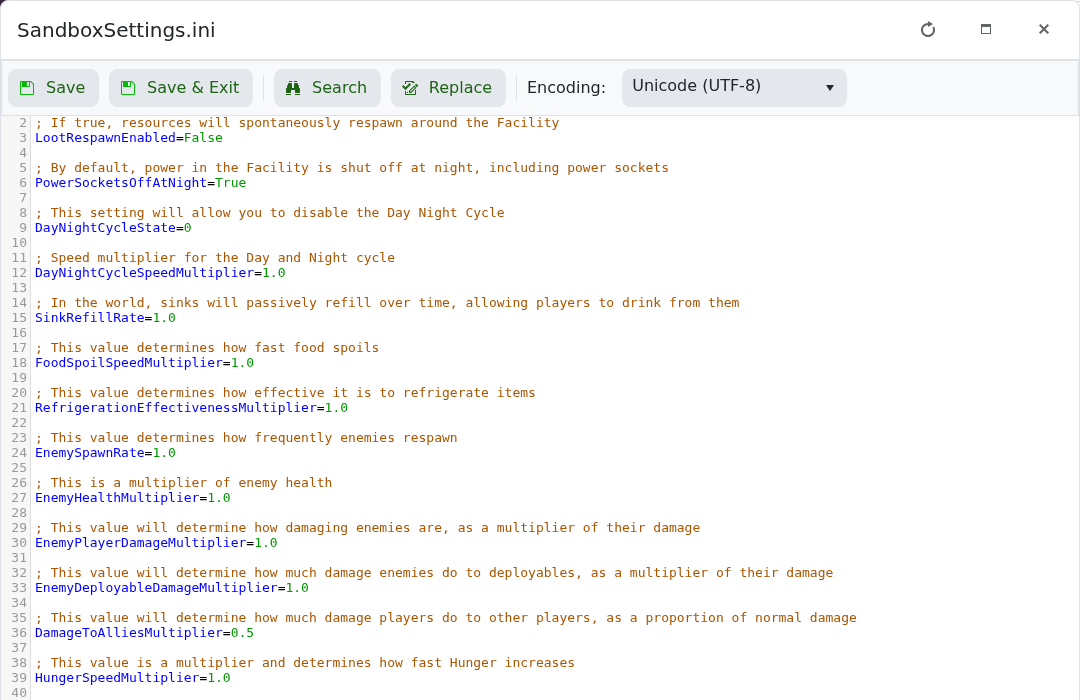
- Use
1.0for the standard rate. Values between0.0and2.0are supported. - Save the file and start the server.
For a less demanding server, try modest reductions such as 0.75 first. Setting a need to 0.0 disables its increase and changes the intended survival balance substantially.
