The default dedicated world is stored in Saved/SaveGames/Server/Worlds/Cascade. Move the current folder out of that location before starting fresh so you still have a recoverable copy.
- Stop the server and create a panel backup.
- Connect through FTP and open
Saved/SaveGames/Server/Worlds.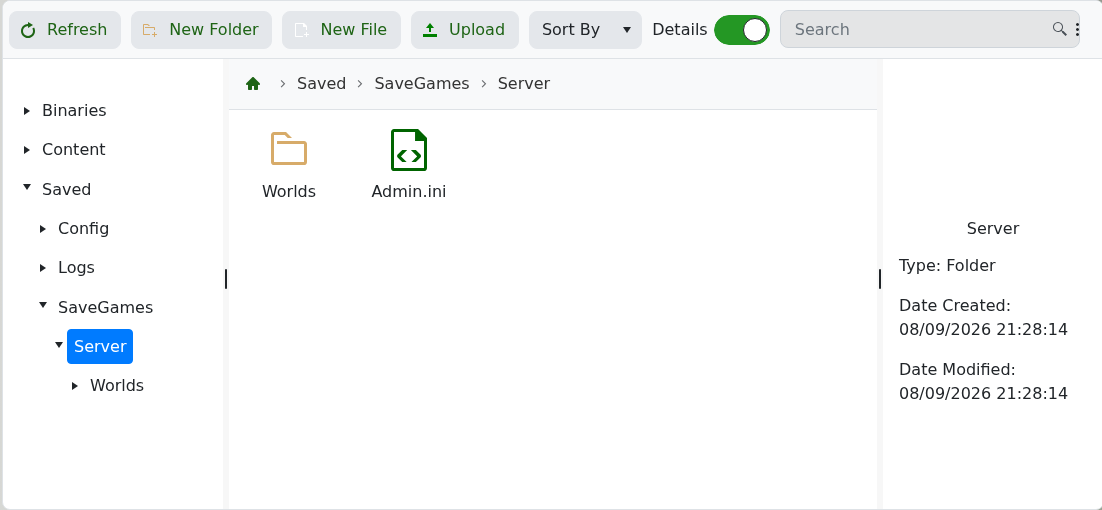
- Download the current
Cascadefolder, then rename the server copy to something such asCascade-old. - Start the server. It will create a new default
Cascadeworld. - Join and confirm the new world works before removing the old server-side copy.
To return to the previous world, stop the service, remove or rename the new Cascade folder and rename Cascade-old back to Cascade.
