Run Steam Update when Abiotic Factor releases a server patch or players receive a version-mismatch error.
- Ask players to disconnect and stop the server.
- Keep separate copies of
SandboxSettings.iniandAdmin.ini, then create a panel backup. - Click Steam Update in the server actions.
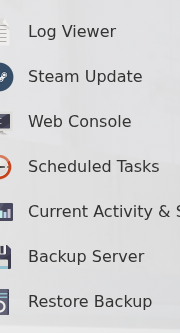
- Wait for the update task to finish before starting the server.
- Update the game on each player’s device and reconnect.
If the service will not stay running after the update, check the latest log before reinstalling or changing configuration.
