The panel creates dated server archives that can be selected later through Restore Backup. Stop the service first so the world files are not changing while they are copied.
- Stop the server and click Backup Server.
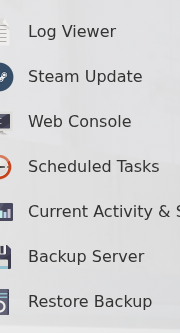
- Wait for the task to finish. Open Restore Backup and make sure the dated archive appears in the selector.
- To restore it, keep the server stopped, select the required archive, tick Are you sure? and click Execute.

- Wait for the restore task to finish, then start the server and check the world.
Configuration needs a separate copy: testing confirmed that the panel restore did not replace
Saved/Config/WindowsServer/SandboxSettings.ini or Saved/SaveGames/Server/Admin.ini. Download both files through FTP before changes and upload them separately when you need to restore those settings.