Use the server log to investigate startup failures, crashes and players being unable to find the server.
- Reproduce the problem once and note the time.
- Open Log Viewer from the server actions.
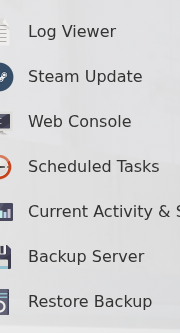
- Open the newest Abiotic Factor log and look for the first error from the latest start attempt.
- For a longer review or a support ticket, download the log from
Saved/Logs.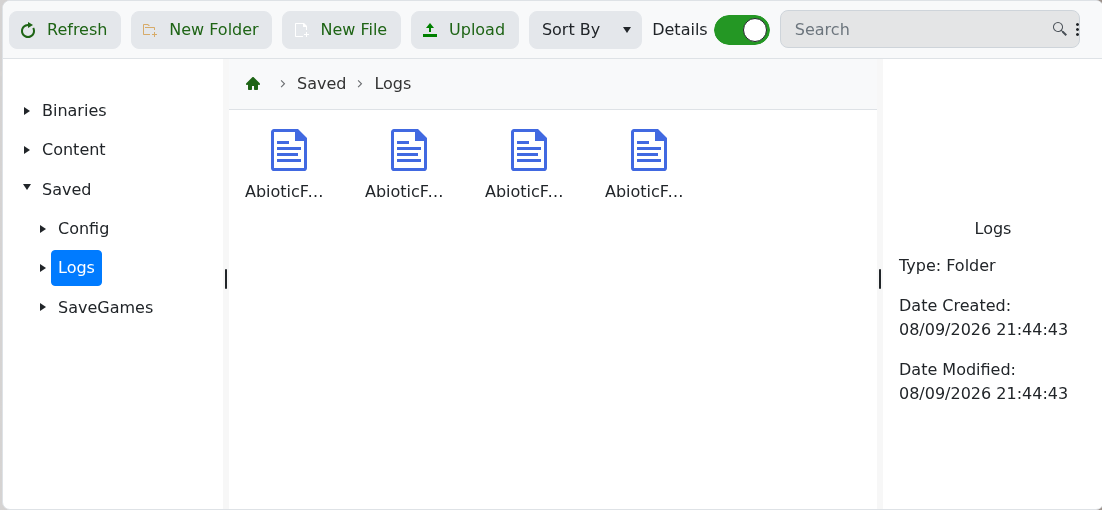
Check the first relevant error rather than only the final repeated line. Include that section, the time of the attempt and the last change made when contacting support.
