Update the dedicated server when American Truck Simulator releases a patch or players receive a version mismatch.
- Ask players to leave and stop the server.
- Download copies of
server_config.sii,server_packages.siiandserver_packages.dat. - Click Steam Update and wait for the task to finish.
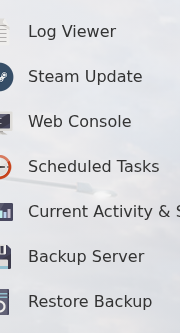
- Start the server and check
server.log.txtfor a normal session start. - Update each game client before reconnecting. Re-export the package files if the update changed your map, DLC or mod selection.
If the server reports that package files are missing or incompatible, follow How to add mods to an American Truck Simulator server.
