Keep an independent copy of the small files that define the ATS Convoy session. The tested Restore Backup page did not list the panel archive, so do not rely on that action as the only recovery copy.
- Stop the server.
- Connect through FTP and open the
American Truck Simulatorfolder. - Download
server_config.sii,server_packages.siiandserver_packages.dat.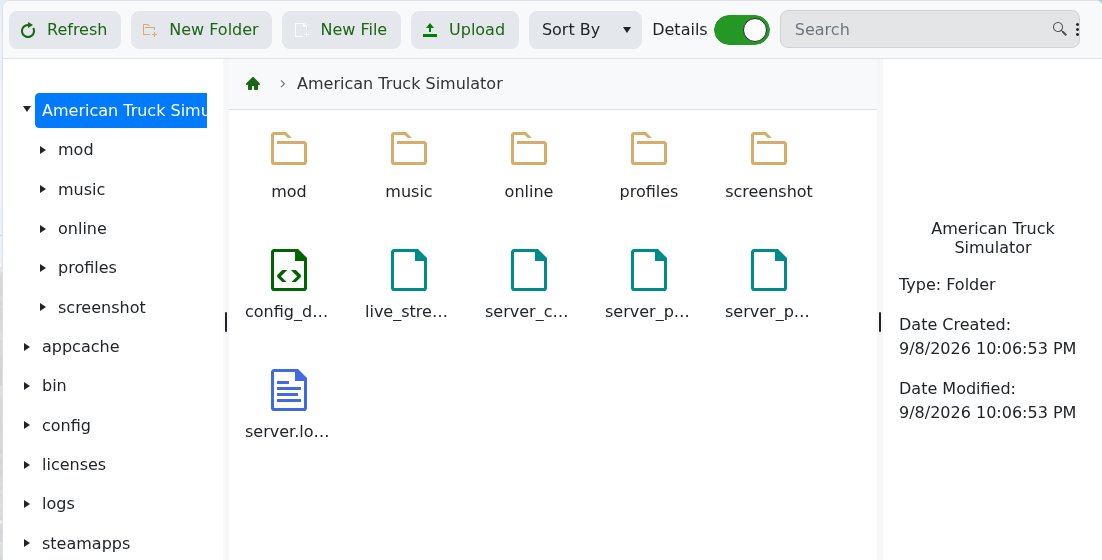
- Store them together in a dated local folder.
To restore them, stop the service, upload all three files to the same server folder and start the server. Use a matching set of both package files; they are generated together.
