Use FTP to upload exported server packages, keep configuration backups and download the complete server log.
- Stop the server before replacing configuration or package files.
- Copy the FTP host, port, username and password shown in TCAdmin.
- Connect with FileZilla using How to connect to FTP.
- Open the
American Truck Simulatorfolder.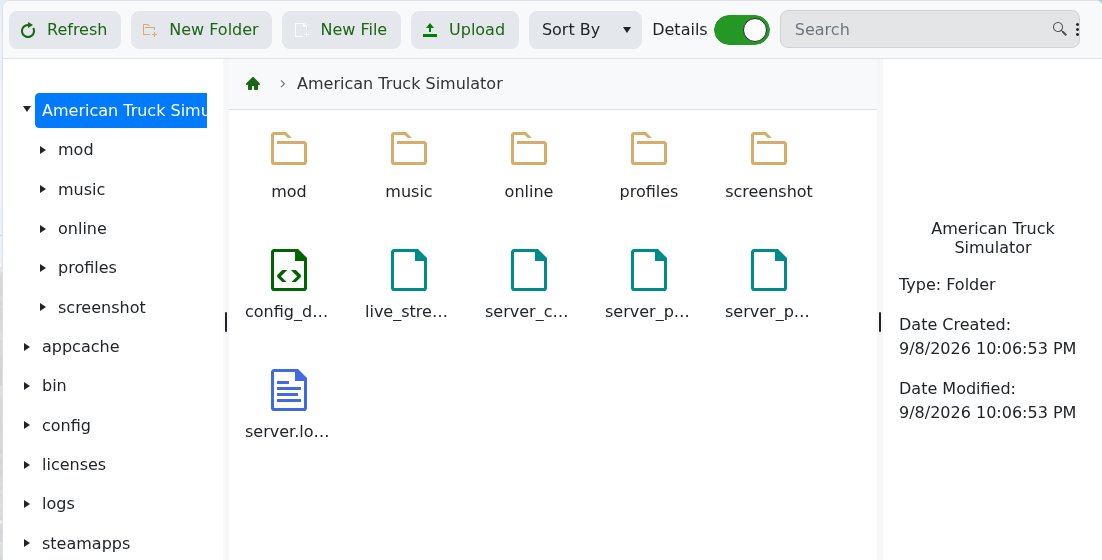
- Transfer the required files, disconnect cleanly, then start the server.
The important files are server_config.sii, server_packages.sii, server_packages.dat and server.log.txt. Keep the two package files together because they are created by the same export.
