If you do not already have a server, you can order 7 Days to Die server hosting before following this guide.
You can join your 7 Days to Die server by using the IP and port shown in Connection Info on the control panel. You can either add the server to Steam favourites first, or search for it from the in-game Join a Game screen.
Find Your Server Address
- Open your 7 Days to Die server in the control panel.
- Copy the full Connection Info address, including the port. In this example, the address is
45.92.36.171:26900.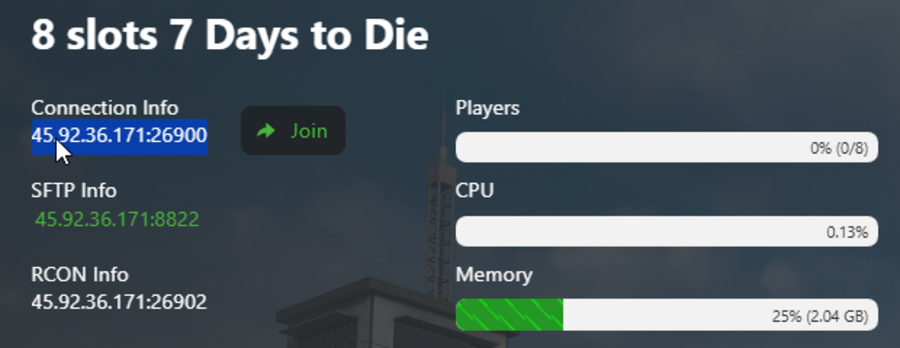
Join Through Steam Favourites
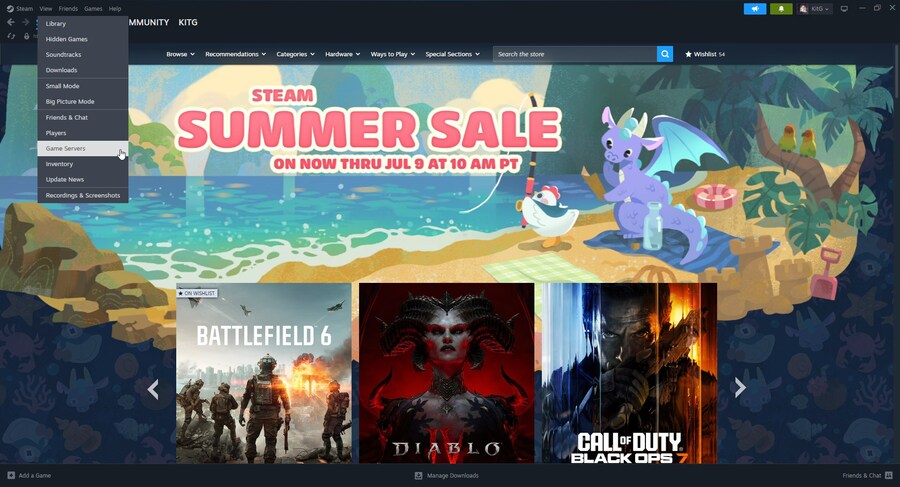
- Open Steam.
- Click View, then click Game Servers.
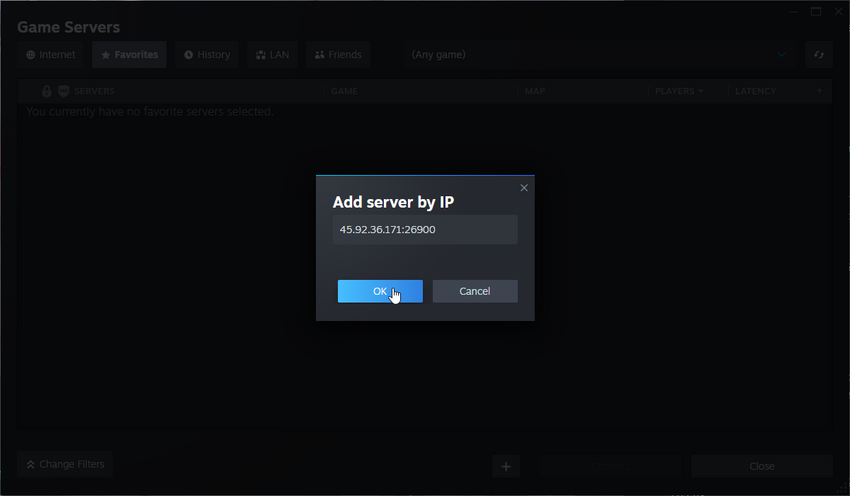
- Open the Favorites tab, click the + button, then paste the server IP and port.
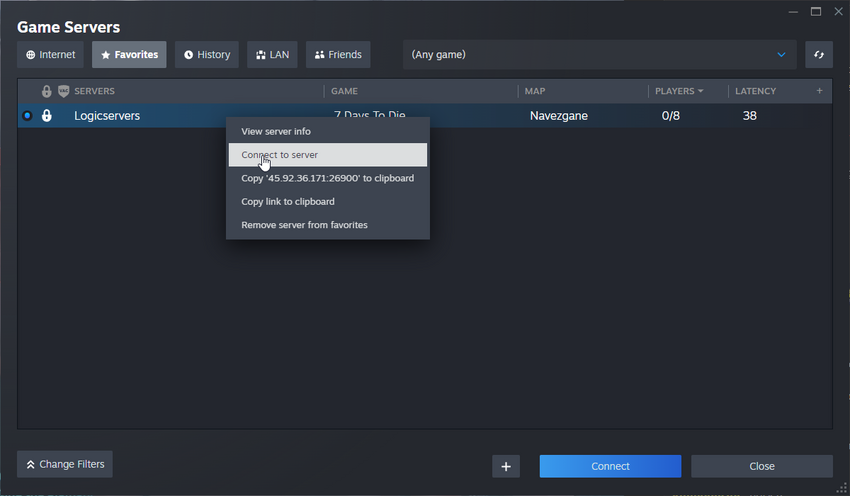
- After the server appears in your favourites list, select it and click Connect. You can also right-click it and choose Connect to server.
Join From 7 Days To Die
- Open 7 Days to Die.
- Click Play Game, then open Join a Game.
- Use the server filters to search for the server name. You can also set the region and other filters to narrow the list.
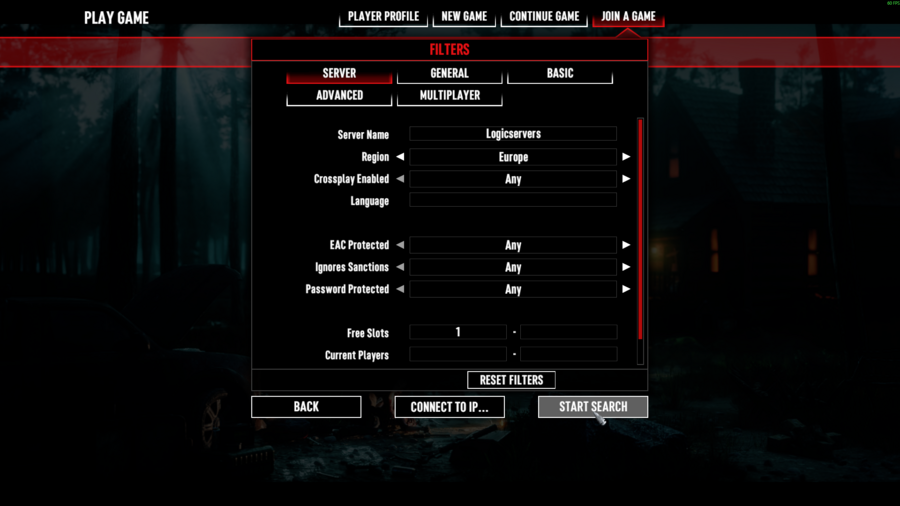
- Select the matching server result and click Connect.
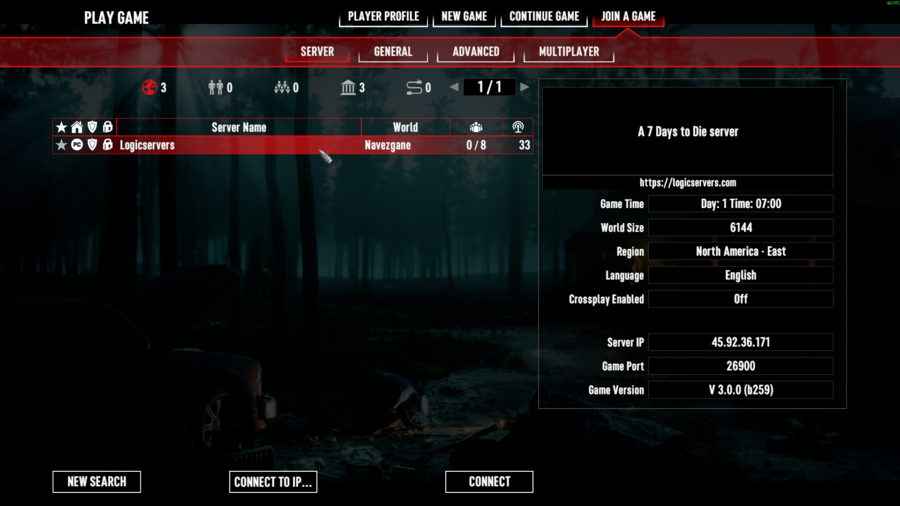
If the server does not appear, make sure it is online, confirm you copied the full IP and port, and refresh the server list. The port is required; using only the IP address may not find the server.
