You can join your Vintage Story server using the address shown on the Console page of your control panel.
- Open your Vintage Story server in the control panel.
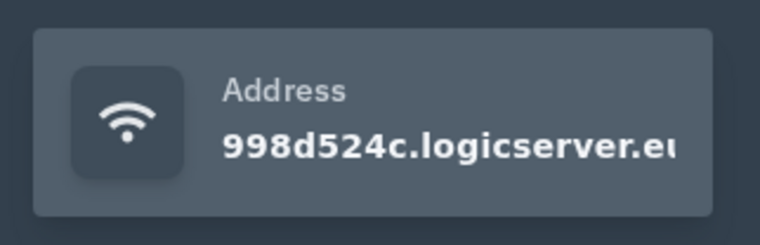
- On the Console page, copy the server address shown on the right side. You can click the address box to copy it.
- Open Vintage Story on your PC.
- Go to the multiplayer server list, then add or join a server using the address from your control panel.
- If your server has a password enabled, enter it when the game asks for it.
If the server does not show online straight away, make sure it is started in the control panel and give the server list a short time to refresh.
If the server does not appear
Confirm the server is online in the control panel, then refresh the in-game browser. Server lists can take a few minutes to update after a restart. If direct connect is available, use the server IP and port from the control panel.
Connection checks
Make sure your game client is on the same branch or version as the server. Mods, passwords, and whitelist settings can also prevent a successful connection.
