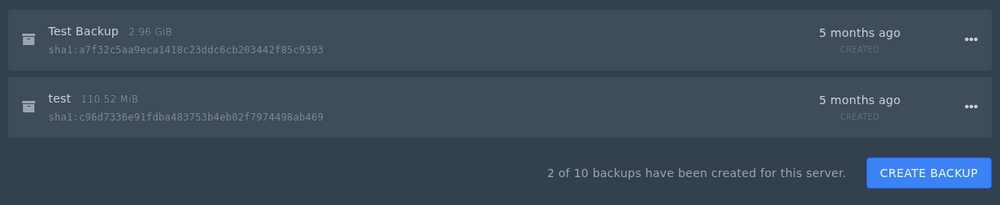
Create a Vintage Story backup before updates, mod installs, configuration changes, world changes, mod changes, version changes. A backup gives you a restore point if the server fails to start or the save does not behave as expected.
- Open your Vintage Story server in the control panel.
- For the cleanest backup before major changes, stop the server first.
- Click Backup Server or open the panel's Backups section.
- Confirm the backup if prompted.
- Wait for the backup task to finish before making further changes.
- Start the server again if you stopped it.
After the backup completes, keep the server page open long enough to confirm the task finished successfully. If you are about to make a risky change, also download any files you cannot afford to lose.