To join a Pixelmon server, your Minecraft client needs to have Pixelmon installed and it needs to match the server version. If the server was installed using the Pixelmon Mod pack in the control panel, use the same Pixelmon pack on your own launcher.
Joining the server
- Install the Pixelmon pack on your Minecraft launcher, then start Minecraft using the Pixelmon profile.
- Open your server in the control panel and copy the server address from the Console page. You can click the address box to copy it.

- In Minecraft, click Multiplayer.
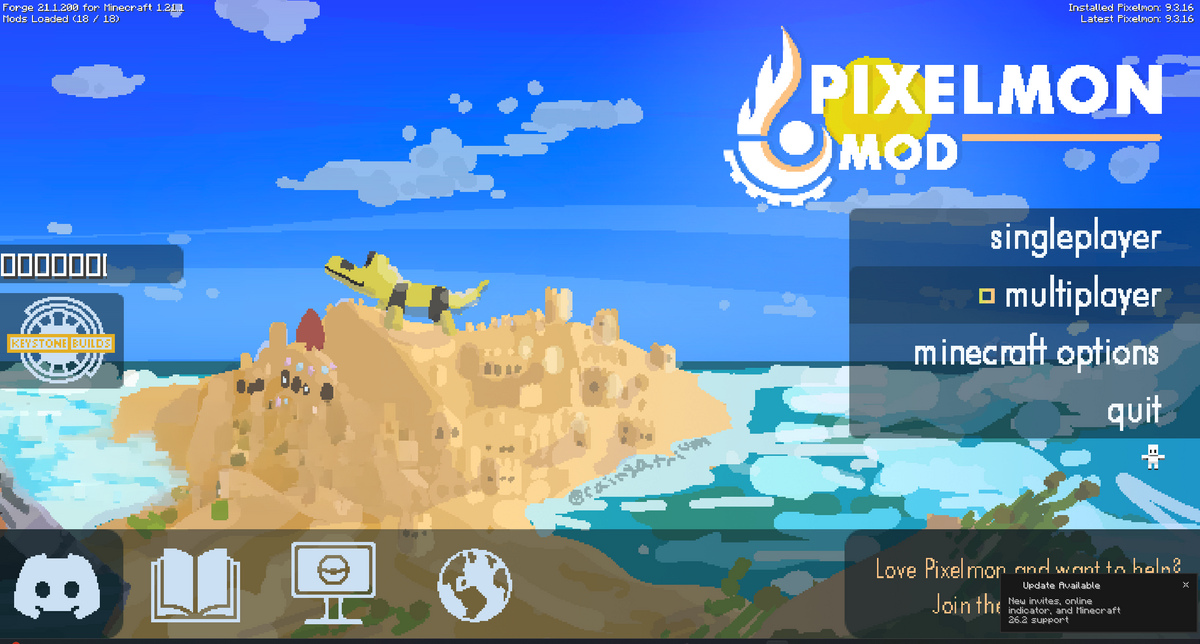
- Click Add Server.

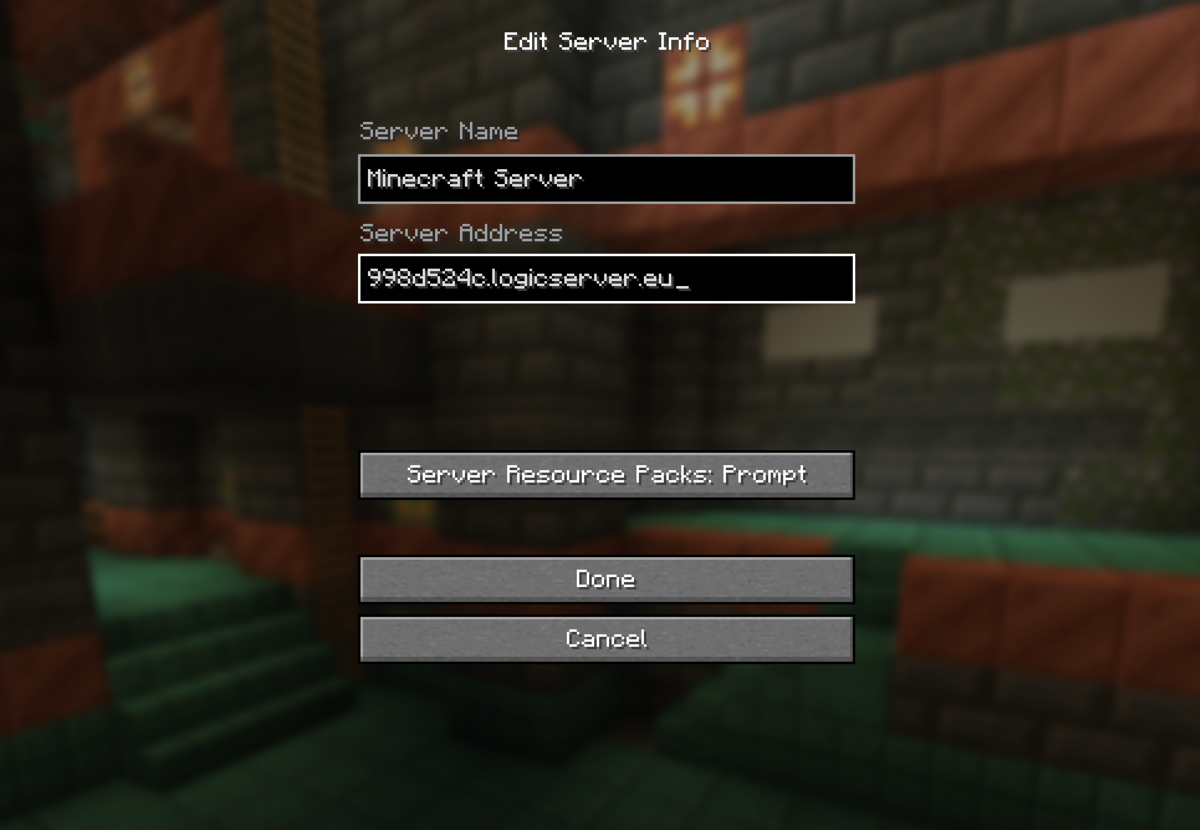
- Enter a server name, paste your server address into the Server Address box, then click Done.
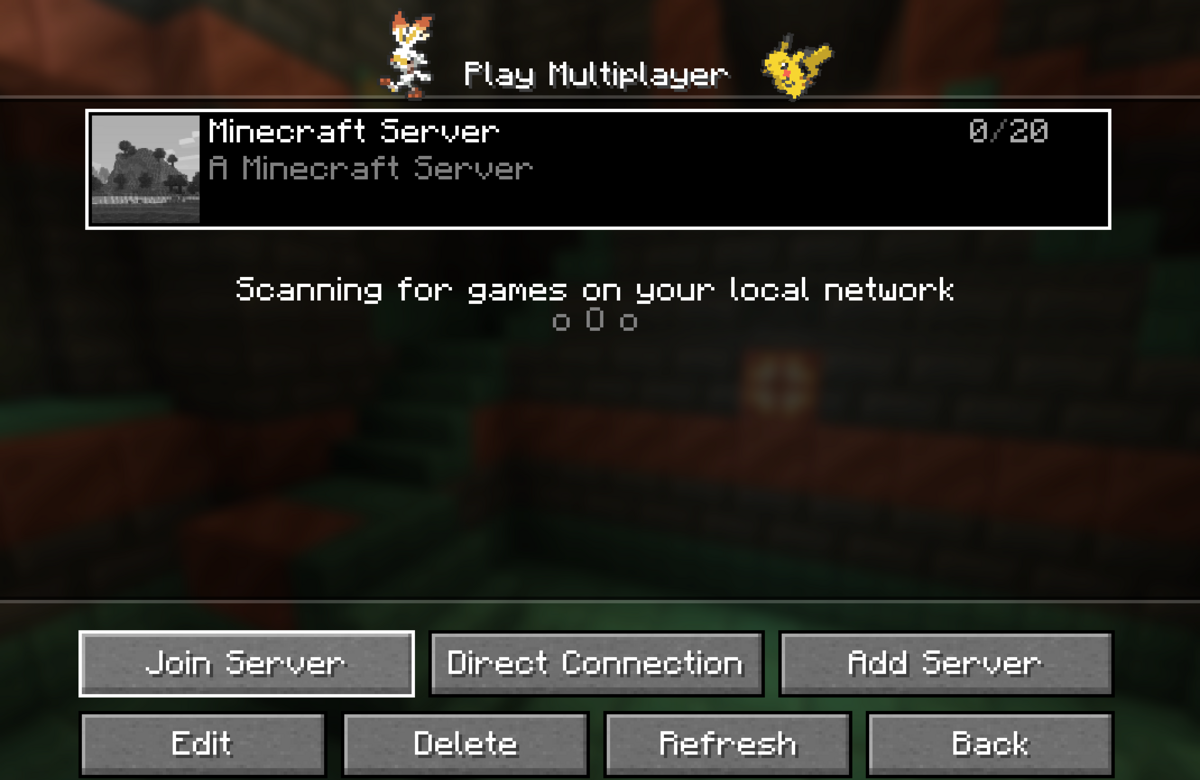
- Select the server from your multiplayer list, then click Join Server.
If Minecraft says the server is incompatible, check that you launched the Pixelmon profile and that your Pixelmon version matches the server. If the server has a whitelist enabled, your Minecraft username must be added before you can join.
