Set your server name in Game.ini. Use underscores for spaces in the name you enter.
- Stop your Path of Titans server and wait for Stopped.
- Open Configuration Files and click Text Editor beside
Game.ini.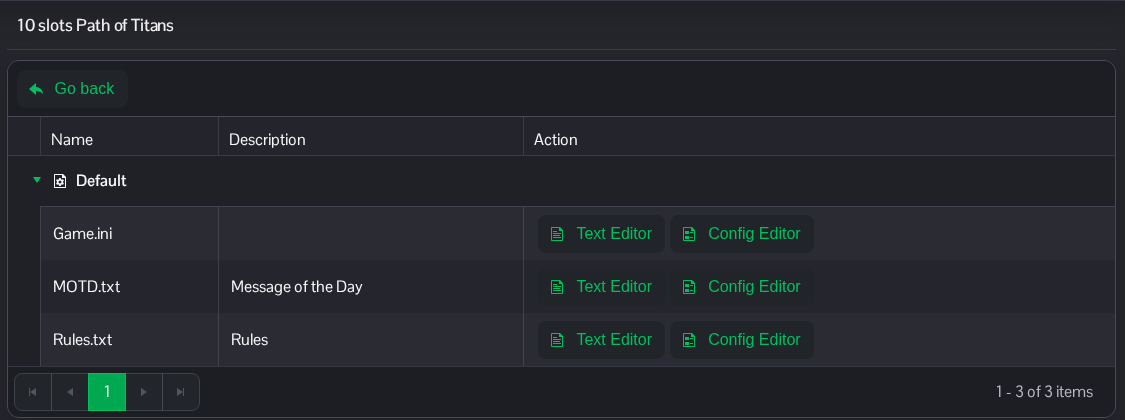
- Under the existing
[/Script/PathOfTitans.IGameSession]heading, changeServerName. The example displays as Titans Community. Keep the other entries in place.[/Script/PathOfTitans.IGameSession] ServerName=Titans_Community
- Click Save & Exit, then start the server.
The same file is available in File Manager at Saved/Config/WindowsServer/Game.ini. FTP is an alternative for file transfers.
