Add a game join password to your Path of Titans server.
- Stop your Path of Titans server and wait for Stopped.
- Open Configuration Files and click Text Editor beside
Game.ini.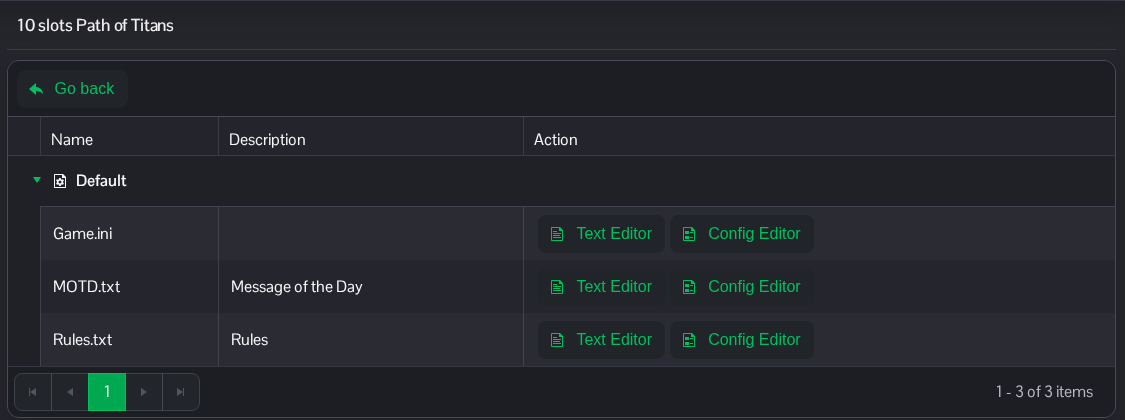
- Under
[/Script/PathOfTitans.IGameSession], add or editServerPassword. Replace the example with your own password. Keep the other entries in place.[/Script/PathOfTitans.IGameSession] ServerPassword=ChooseYourOwnJoinPassword
- Click Save & Exit, then start the server.
Share the password with your invited players. RCON has its own password in the separate SourceRCON section.
The same file is available in File Manager at Saved/Config/WindowsServer/Game.ini. FTP is an alternative for file transfers.
