The panel backup captures local configuration and saved data, including Game.ini, MOTD.txt, Rules.txt and files under Saved/DatabaseCache and Saved/SaveGames.
- If you already have RCON connected, send
Saveto request a current save. Stop your server and wait for Stopped. - Click Backup Server, then confirm with OK.
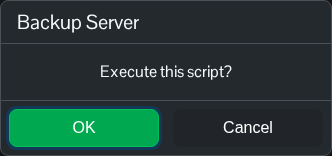
- Wait for compression and upload to finish and for the script to report success.
- Open Restore Backup and check that the new dated ZIP is listed.
These are local file backups; an Alderon remote database is outside their scope. Logs are excluded from this archive, so download them separately if you need to keep them.
For a separate local copy, open File Manager to inspect Saved/DatabaseCache and Saved/SaveGames. FTP is an alternative for transferring complete folders, including their subfolders.
