Recover local files from a dated Path of Titans panel backup. Keep a separate copy of any newer configuration or data you still need before restoring.
- Stop the server and wait for Stopped.
- Open Restore Backup, choose the dated ZIP under Select a backup to restore and tick Are you sure?.
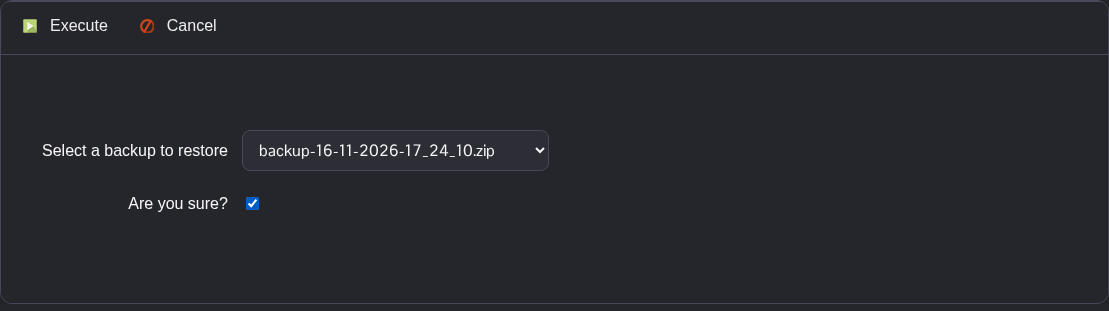
- Click Execute and wait for the script to report that it has executed successfully.
- Check the restored
Game.iniin Configuration Files and the local data in File Manager underSaved/DatabaseCacheandSaved/SaveGames. FTP is an alternative for accessing these folders. - Start the server after checking the restored files.
The archive restores the local files it contains, including saved settings and message files. It excludes logs and does not restore an Alderon remote database.
