Enable Source Query when you want a compatible monitoring tool to read your server name, map and player count.
- Stop your Path of Titans server and wait for Stopped.
- Open Configuration Files and click Text Editor beside
Game.ini.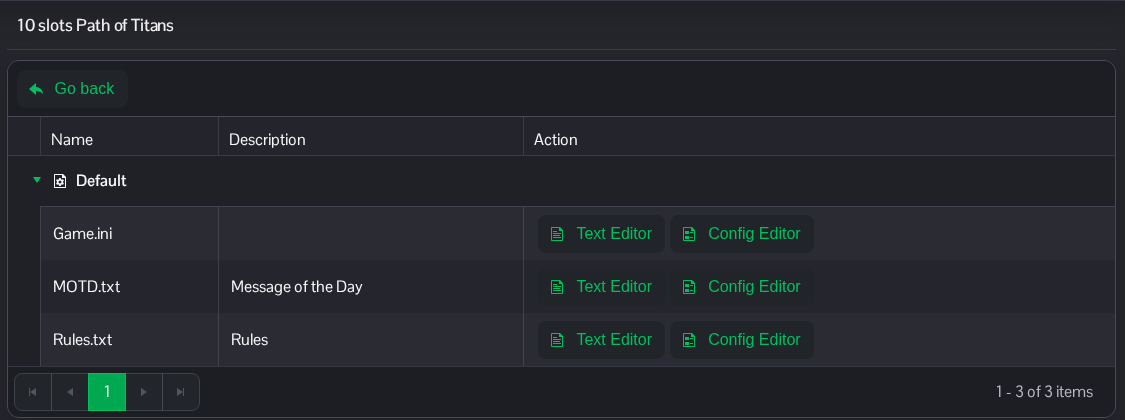
- Find the existing
[SourceQuery]section and setbEnabled=true. Keep the assignedPortandIPentries that match your service's Query Info. Use the values shown for your own service. Keep the other entries in place.[SourceQuery] bEnabled=true
- Click Save & Exit, then start the server.
Configure your monitoring tool with the address and port under Query Info on your own server page.
The same file is available in File Manager at Saved/Config/WindowsServer/Game.ini. FTP is an alternative for file transfers.
