You can create a panel subdomain so players have an easier address to use when connecting to your server.
Remove the current subdomain
- Open your server in the Ptero control panel, then open Settings.
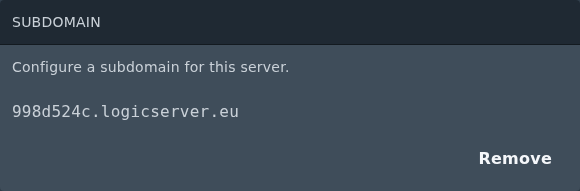
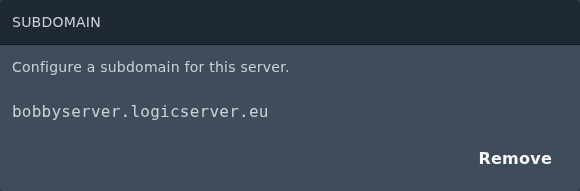
- Find the Subdomain section. If a subdomain is already set, click Remove.
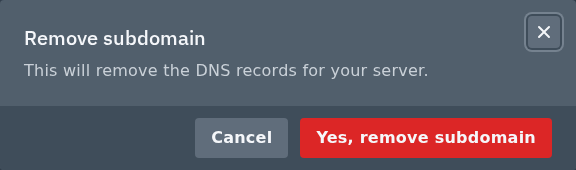
- Click Yes, remove subdomain to confirm.
Add the new subdomain
- After the old subdomain has been removed, the Subdomain section will show the add form.
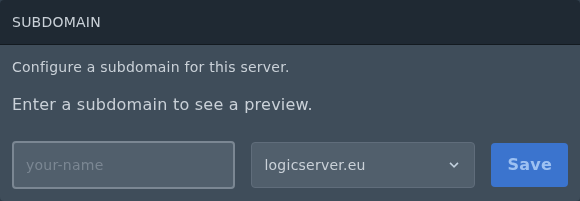
- Enter the subdomain name you want to use. Enter only the first part, such as
bobbyserver, then choose the domain from the dropdown. - Click Save.
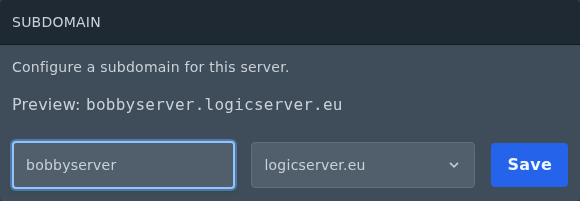
- Once saved, the full subdomain will show in the Subdomain section.
The subdomain points to your server's primary allocation. If a plugin, mod, or Bedrock setup uses an extra allocation, players may need to connect using the IP address and port for that allocation instead.
