You can change the game or egg assigned to a Ptero server from the Settings page. This is normally used when moving between supported server types on the same service.
Change the game or egg
- Stop the server and take a backup of anything you want to keep.
- Open Settings, then under Change Game / Egg select the game or server type you want to run.
- Click Switch and confirm the change.
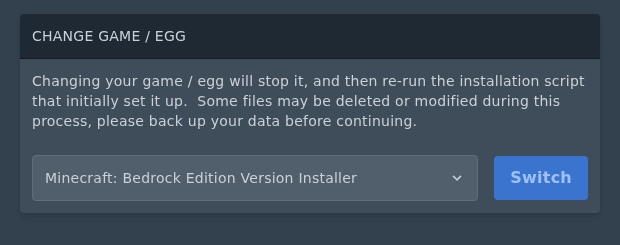
Changing the game or egg changes what the panel expects the server to run. For many egg changes, you should reinstall the server after switching so the correct files are downloaded and the install script runs again. See our reinstall guide here: Reinstalling your server on the Ptero panel.
If you want a completely fresh install, delete or move the old files from File Manager before reinstalling. Only do this after taking a backup, as wiping the files can remove worlds, saves, configs, plugins, and mods.
If the game you want is not listed in the Change Game / Egg dropdown, submit a support ticket and we can check whether it can be changed to another game from our game server catalogue.
