Find your Citadel: Forged With Fire server by its configured name in the game's server browser. Ask the server owner for that name and the join password if one is set.
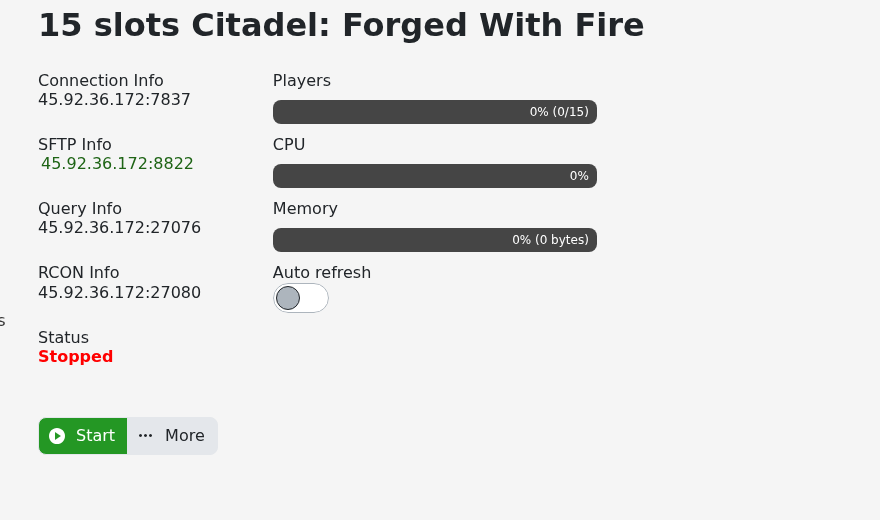
- Open your Citadel: Forged With Fire service in the game control panel. If it is stopped, click Start and allow it to finish loading. Keep the Connection Info address available if you need to report a connection problem.
- Launch the Steam PC version of Citadel: Forged With Fire and open the game’s server browser.
- Find the entry with the server's configured name. The name advertised in the game can differ from the service label in the control panel.
- Select the matching server and connect.
- Enter its join password if requested and allow the world to load. Use the player join password supplied by the owner, rather than an administrator password.
If the server does not appear, refresh after it has finished starting and check that the browser's filters are not excluding it. Ask the owner to confirm the advertised name and check the newest server log for startup or registration errors.
If you receive a version mismatch, update the game through Steam and have the owner update the server before trying again. When reporting another error, include its exact text and your server's Connection Info address so the correct service can be checked.
