Datapacks are installed into a specific Minecraft world folder, not into the main server directory.
Upload The Datapack
- Stop the server.
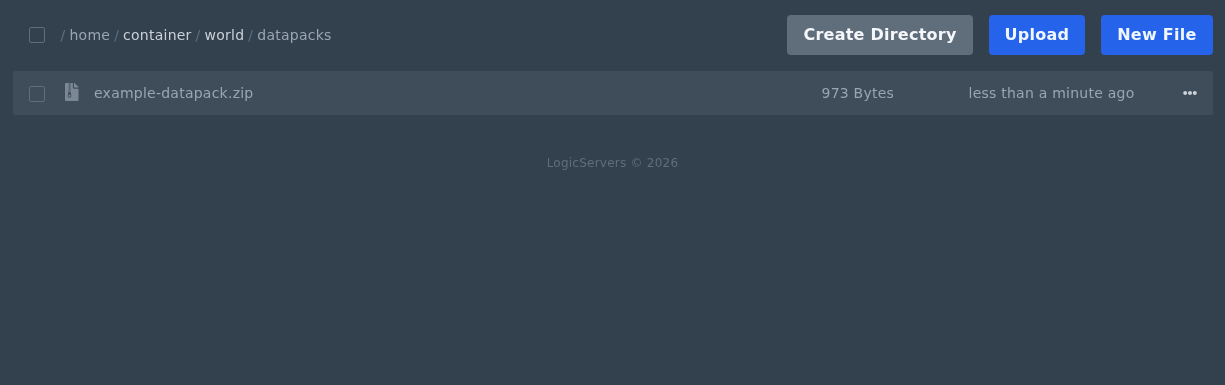
- Open Files in the control panel, then open your world folder. On most servers this is called
world. If your server uses a custom world name, check thelevel-namevalue inserver.properties. - Open the
datapacksfolder. - Upload the datapack zip file into this folder. Datapack zip files should usually stay zipped, as long as
pack.mcmetais at the top level of the zip. - Restart the server.
You can check loaded datapacks from Console with datapack list, or in game as an OP with /datapack list.
Before changing files
Create a backup before uploading, replacing, or converting server files. Keep filenames and folder names exactly as the game expects, including capitalisation where relevant.
If something does not work
Stop the server, check the file path, and review the console or log output. If you need help, submit a support ticket with the file path you changed and any error shown by the server.
