The Modpacks page lets you install supported Minecraft modpacks without uploading the server files yourself. If you do not have a server yet, our Minecraft server hosting is available here. If the pack you want is listed here, use this before doing a manual upload.
Find a modpack
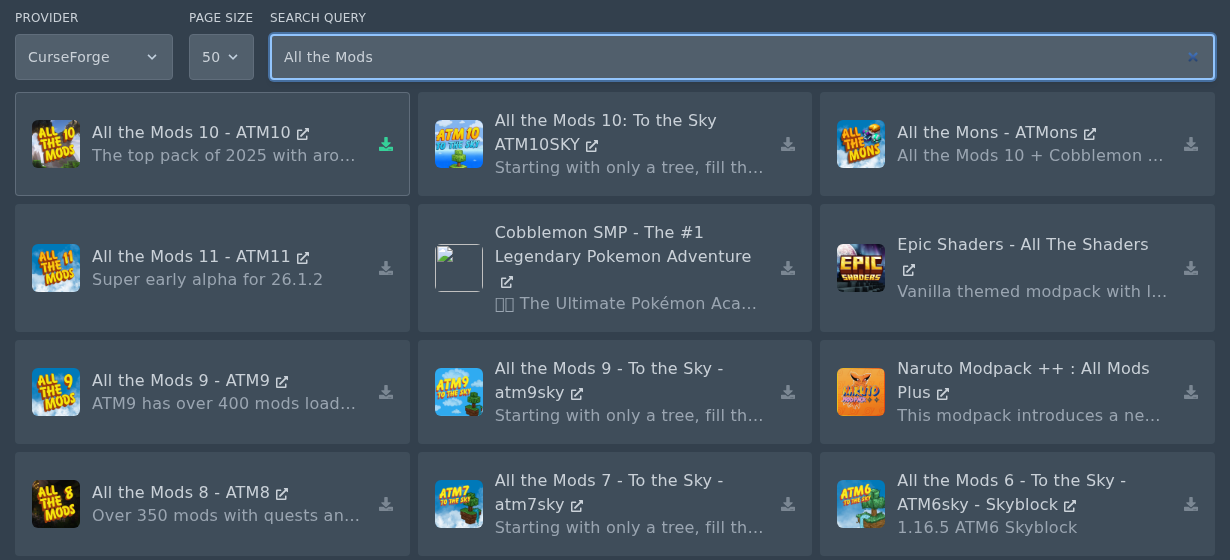
- Open your Minecraft server in the control panel, then click Modpacks.
- Use the options at the top to find the pack you want:
- Provider can be left as All, or changed to ATLauncher, CurseForge, Feed The Beast, Modrinth, Technic, or VoidsWrath.
- Page Size changes how many packs are shown at once.
- Search Query is where you type the pack name, such as Pixelmon, SkyFactory, or All the Mods.
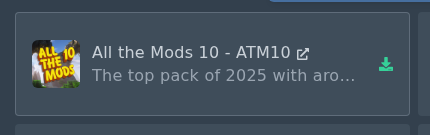
- Find the modpack in the results, then click the small install icon on the right of the modpack card.
Install the modpack
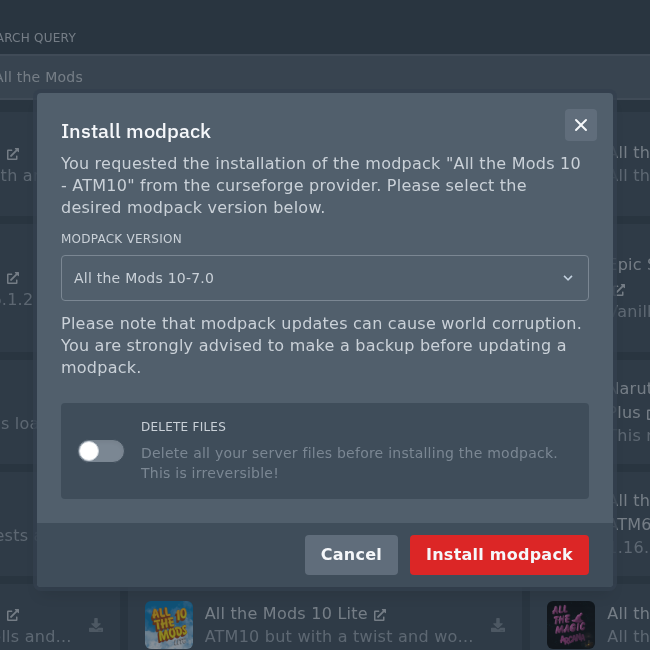
- Select the modpack version you want to install. If your players already have the pack installed, choose the same version they are using.
- Take a backup before installing or updating a modpack on an existing server. Modpack updates can change worlds, configs, mods, and player data.
- Do not check the Delete files box unless you want to wipe your server. Use it only if you are doing a fresh install and have backed up anything you need.
- Click Install modpack when you are ready.
After installing
- Open Console and wait for the installer to finish.
- Start the server and watch the first startup. Large modpacks can take a while to create files and load all mods.
- Make sure players use the same modpack and version on their own launcher.
If the modpack is not listed on the Modpacks page, upload the server pack manually instead. Our manual guide is here: How to upload a Minecraft modpack.
