Subusers let another person access your Minecraft server panel without giving them your own account login. You choose which parts of the server they can use.
Invite a subuser
- Open your Minecraft server in the control panel, open Users, then click New User.
- Enter the email address for the person you want to invite.
- Choose the permissions they should have. For example, someone helping with plugins may need Console and Files access, but they may not need permission to delete backups or change startup settings.
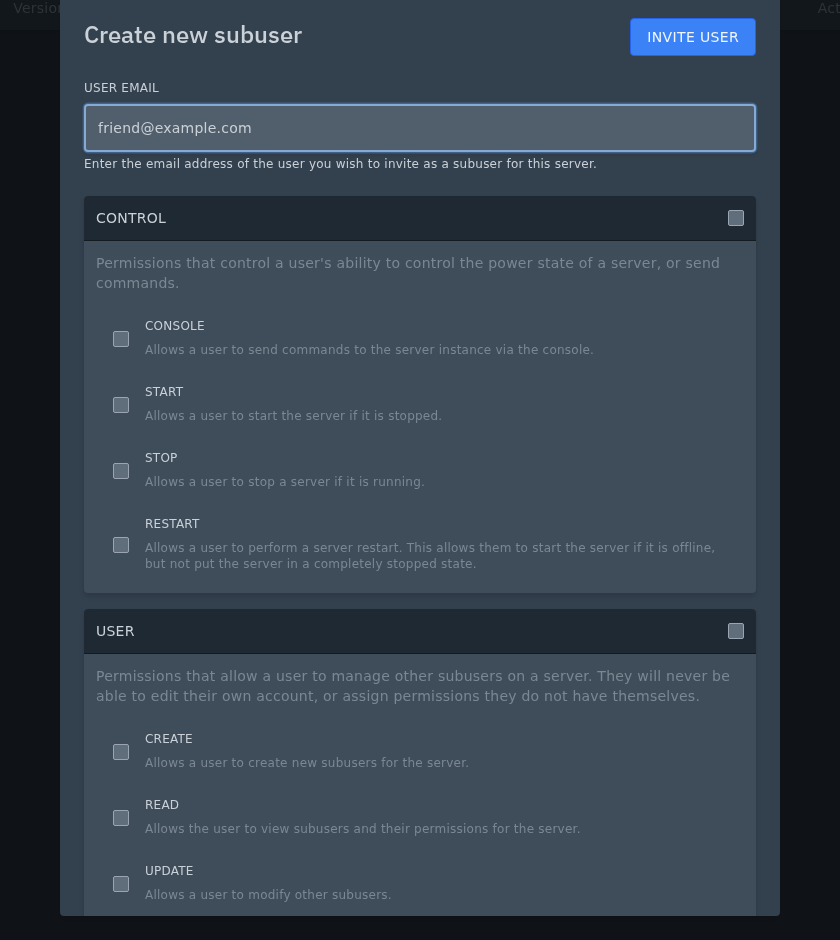
- Scroll through the permission sections and tick only the access they need.
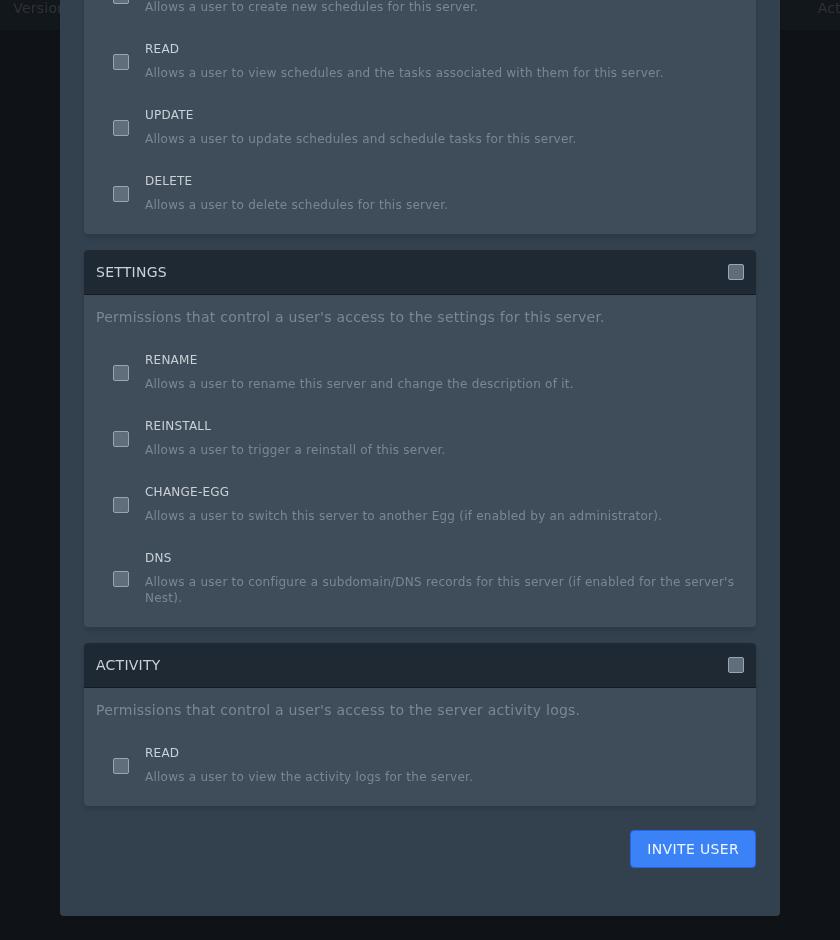
- Click Invite User to send the invite.
Choosing permissions
Console access lets the subuser view the console and run commands. Files access lets them upload, edit, or delete server files depending on the boxes you choose. Startup, Settings, Backups, Network, Databases, Schedules, and Users permissions should only be given when the person needs those areas.
If someone only needs to help with plugins or config files, start with the smallest set of permissions and add more later if needed.
Example Minecraft staff permissions
| Example role | Useful permissions | Notes |
|---|---|---|
| Owner or Co-Owner | Console, Files, Startup, Settings, Backups, Network, Databases, Schedules, Users | Only give this level to someone you fully trust with the server. |
| Admin | Console, Files, Backups, Schedules, Start, Stop, Restart | Good for someone who helps manage plugins, config files, restarts, and common server issues. |
| Senior Moderator | Console, Start, Restart, Files read access if needed | Useful for trusted staff who may need to run commands or restart the server, but should not manage billing-level settings. |
| Moderator | Console | Useful if they only need to run moderation commands from the panel console. |
| Builder or Developer | Files, Console, Restart | Use this for someone helping with datapacks, plugins, configs, or build-related server files. |
| Plugin Developer | Files, Console, Restart, Schedules if needed | Useful for someone testing plugin changes or checking server startup logs. |
| World Builder | Files, Backups, Restart | Useful for uploading worlds, schematics, datapacks, or build files. |
| Event Manager | Console, Start, Restart, Files if needed | Useful for someone running events, minigames, or temporary server changes. |
| Backup Manager | Backups, Files | Lets someone create and download backups without giving full server control. |
| Read-only helper | Console read, Files read where available | Useful for someone helping diagnose issues without changing files or settings. |
