Take a Dragonwilds backup before you change settings, install mods, update the server, upload saves, or wipe a world.
Create a manual backup
- Open your Dragonwilds server in the control panel.
- Stop the server if you want the cleanest backup.
- Click Backup Server on the left side menu.
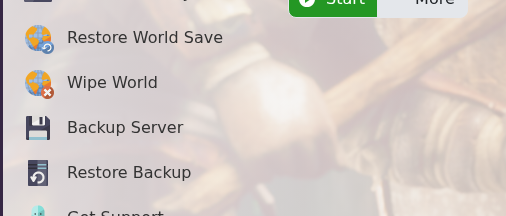
- Confirm the action if the panel asks you to execute the script.
- Wait for the backup task to finish before starting the server or making more changes.
If you need to roll back later, use this guide: How to restore your Dragonwilds Server from a backup.
Before you continue
Wait for the backup task to finish before making changes. If the backup was taken before a risky edit, keep a note of the time so you can identify the correct restore point later.
If the backup fails
Refresh the control panel and check whether another task is already running. If it fails again, stop before changing files and submit a support ticket with your server name and the backup error shown in the panel.
