You can upload a local Dragonwilds save to the server using File Manager. If the save is large, use SFTP instead: How to connect to SFTP using FileZilla.
Upload the save
- Take a backup of the server first.
- Stop the server.
- Open File Manager.
- Open RSDragonwilds, then Saved, then SaveGames.
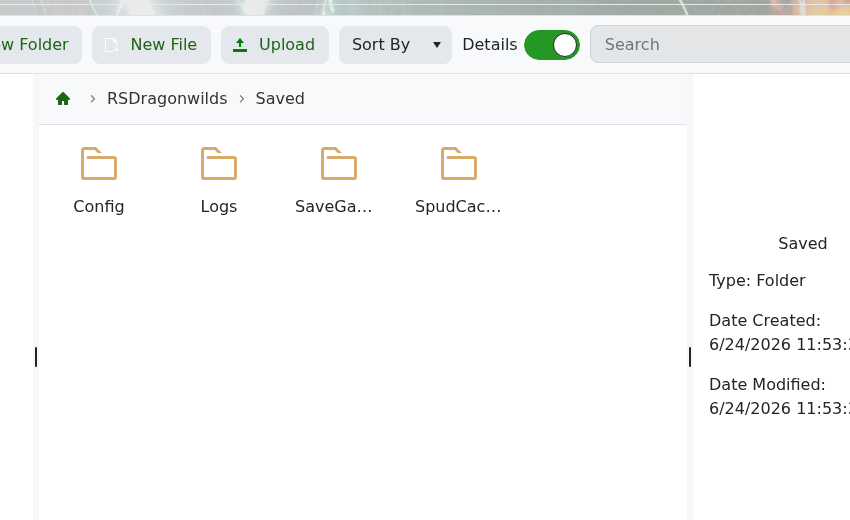
- Upload your save folder or save files into
SaveGames. - Open DedicatedServer.ini and set
DefaultWorldNameto the world name you want the server to load. - Start the server and check that the world loads.
Keep the original save backed up until you have confirmed the uploaded world works. If you are only switching between existing worlds, use this guide: How to change what world your Dragonwilds server is running.
