Join your Icarus server from inside the game using the server name or the IP and port from the control panel.
Get the server details
- Open your Icarus server in the control panel.
- Make sure the server status is Running.
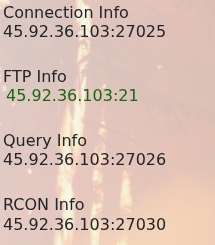
- Copy or note the server name. If you need the address as well, use the Connection Info value from the control panel. If you set a Server Password, players will need that too.
Join from Icarus
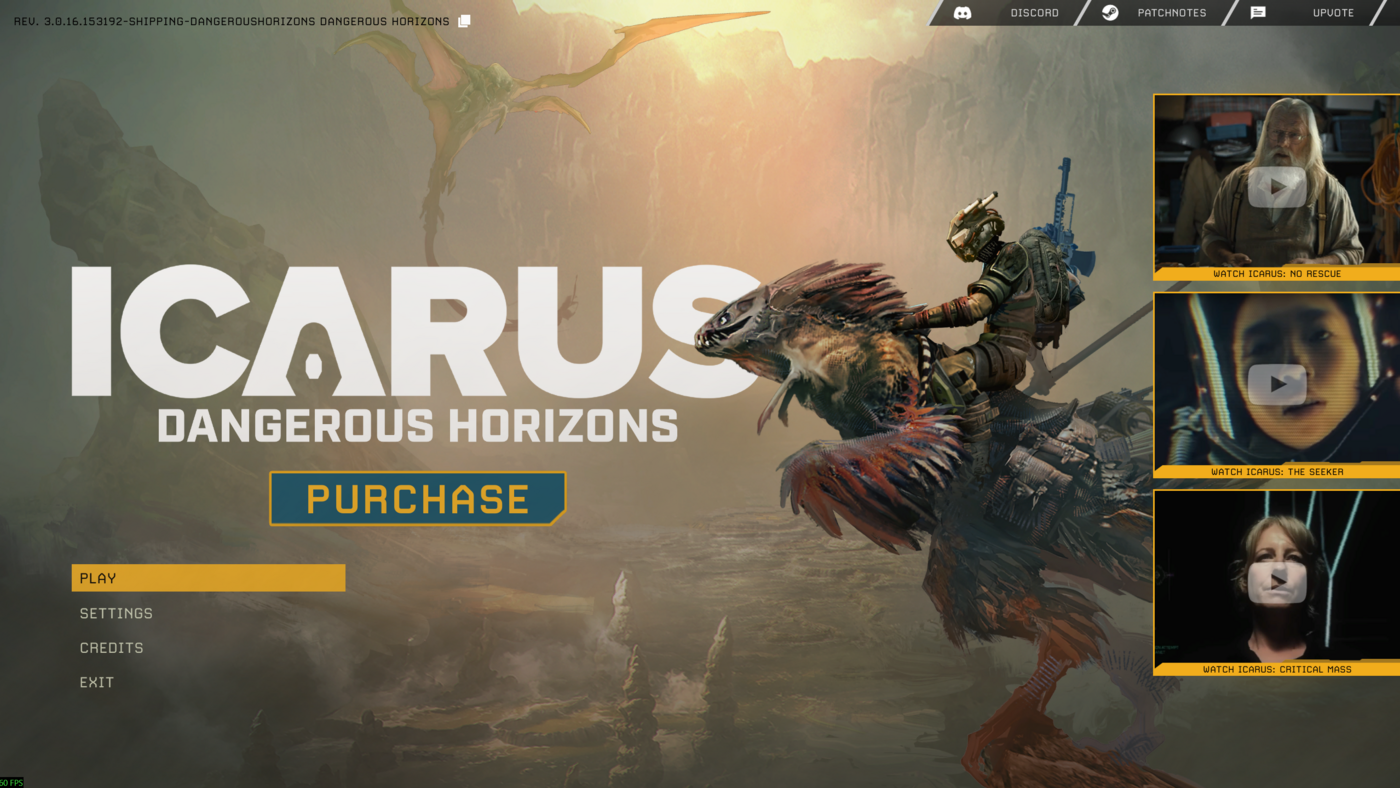
- Open Icarus on your PC, then click Play.
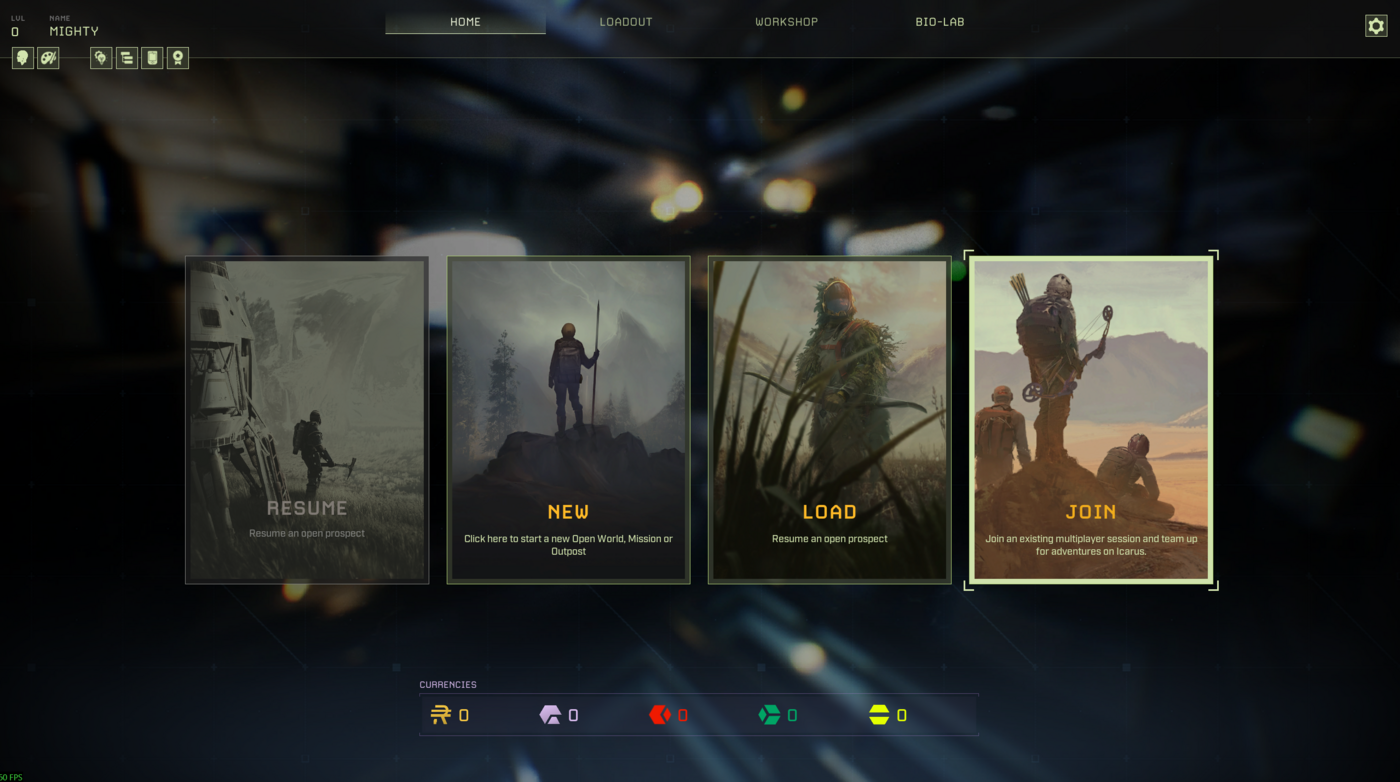
- On the Home screen, choose Join.
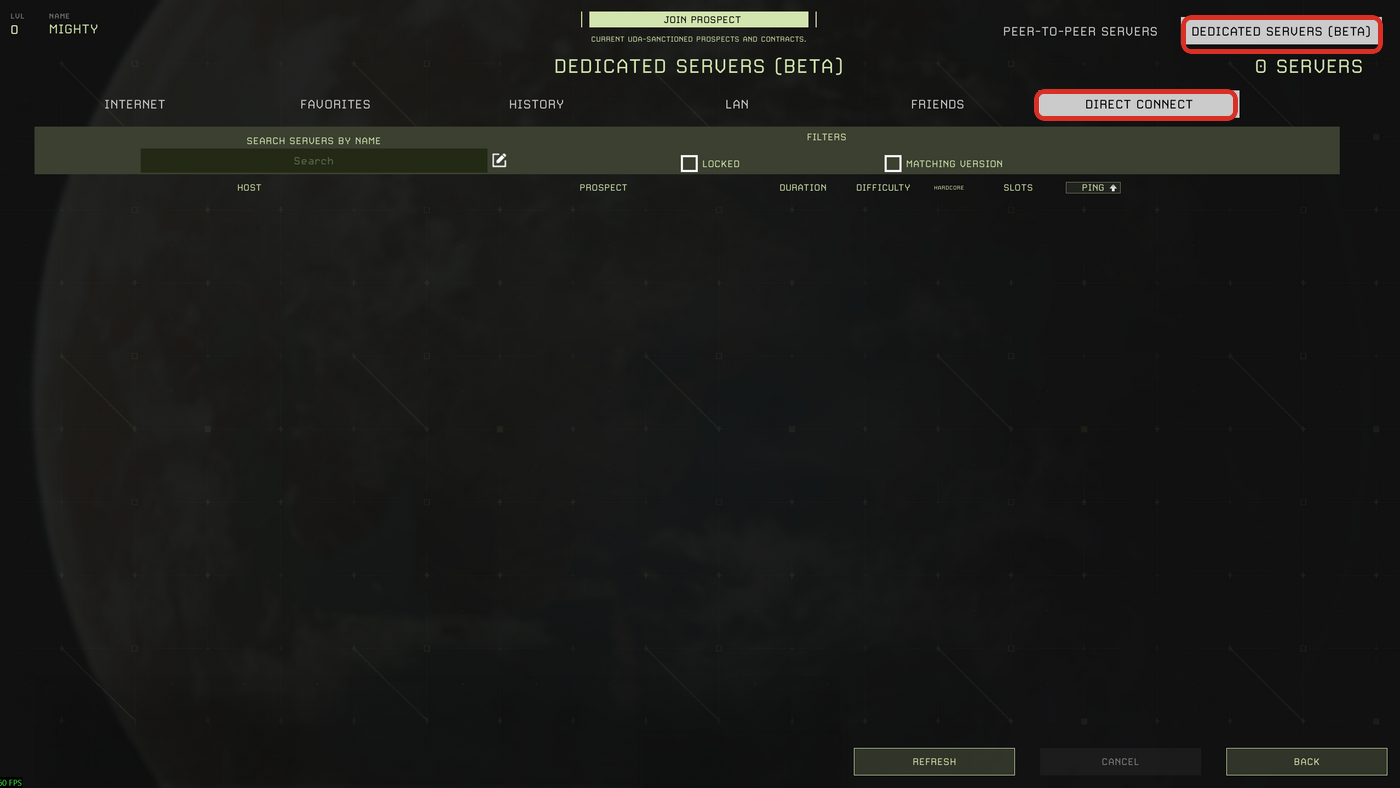
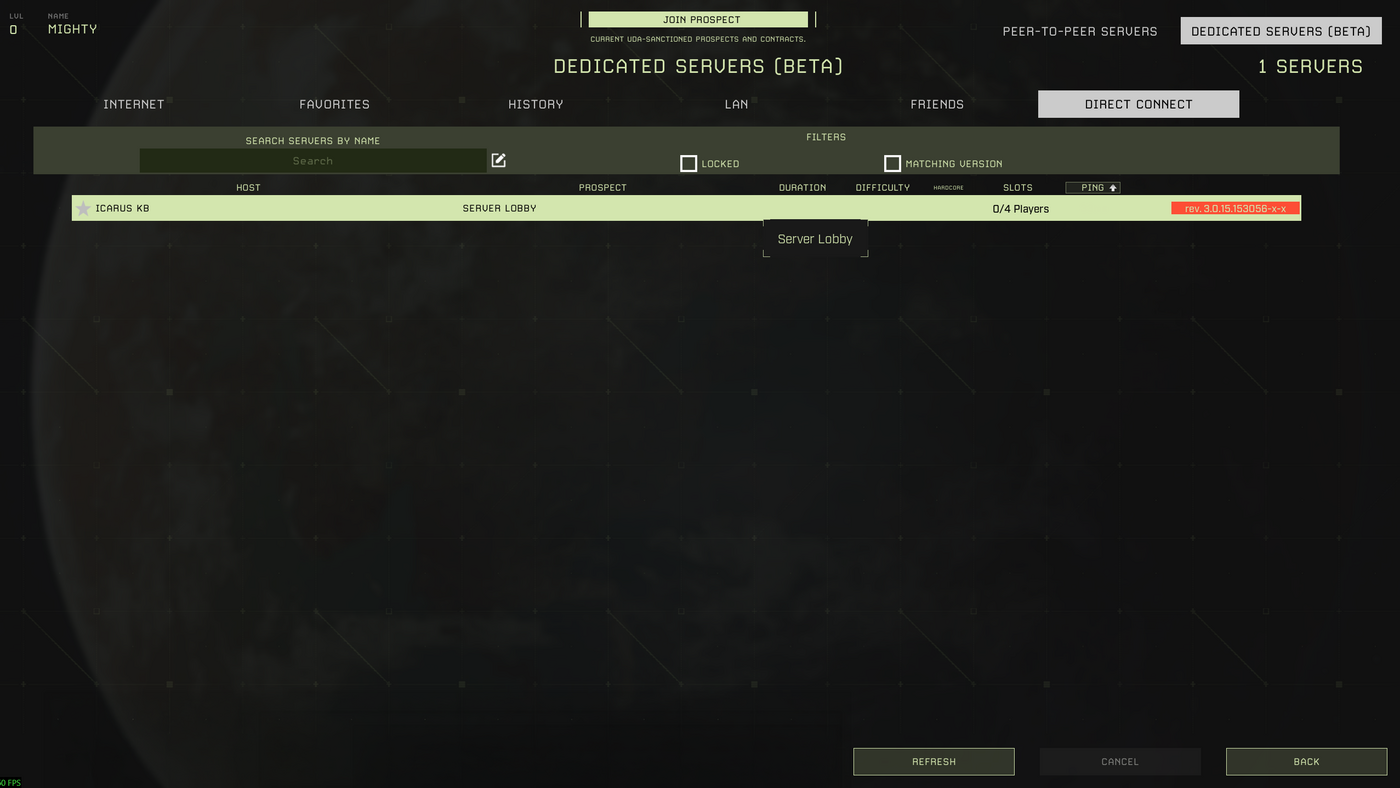
- Open Dedicated Servers, then click Direct Connect.
- Enter the IP and port from the Connection Info box, then click Confirm. Use the full address in the same format as the control panel, for example
45.92.36.103:27025.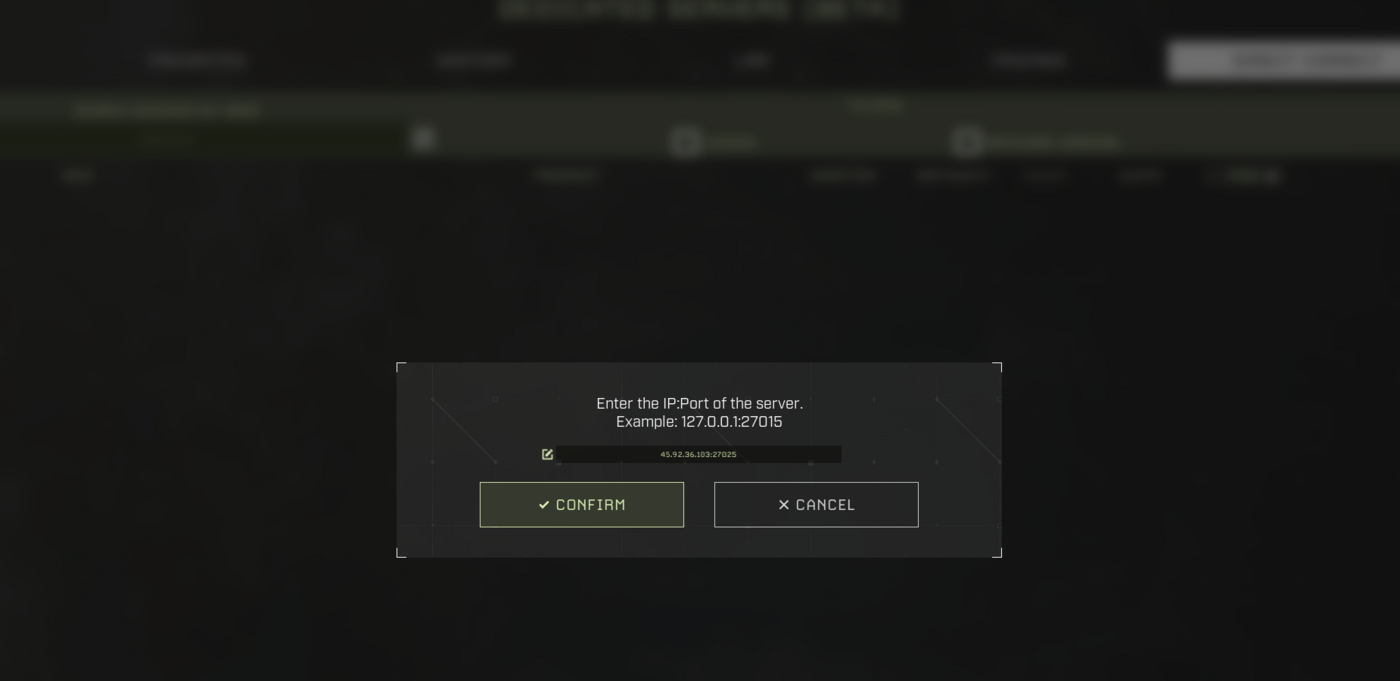
- After the server appears in the list, select it.
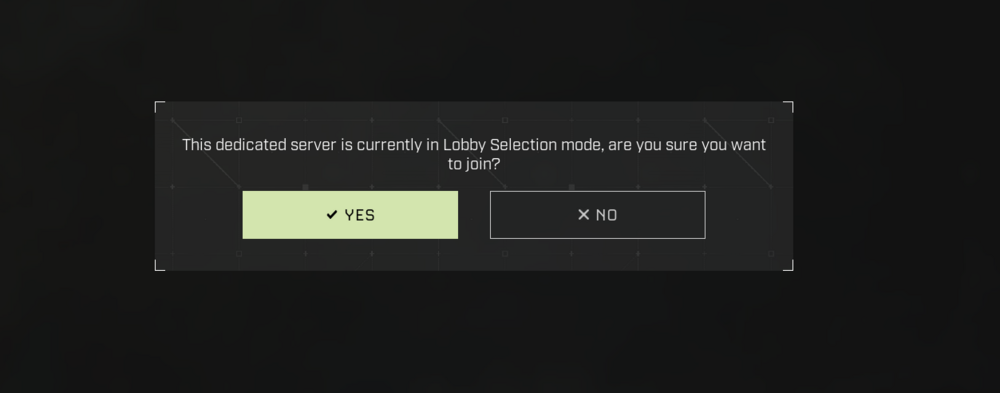
- If Icarus says the dedicated server is in Lobby Selection mode, click Yes.
- Enter the server password if one is set, then select or create the character you want to use.
After joining the server, you may need to create or launch a prospect before you can play. For those steps, use How to create a world on your Icarus server.
If the server does not appear, check that it is running, the server name or IP and port are correct, and the in-game filters are not hiding it. If you still cannot find it, submit a support ticket and include the server name or address you are trying to join.
