Icarus worlds are created as prospects inside the game. The control panel does not have a button that creates the Icarus world for you; it only prepares the dedicated server so the in-game prospect can be launched on it.
If this server already has a world you want to keep, stop the server and take a backup or download the current prospect before creating a new one.
Prepare the server
- Open your Icarus server in the control panel.
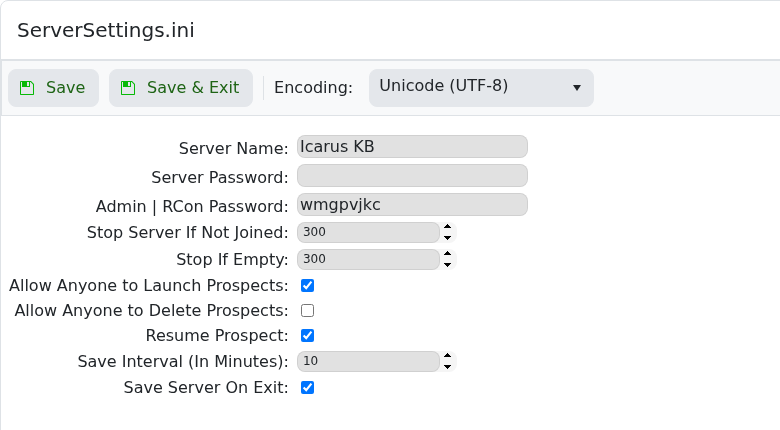
- Click Configuration Files, then click Config Editor next to
ServerSettings.ini.
- Tick Allow Anyone to Launch Prospects if the player creating the new world is not the server admin.
- Keep Resume Prospect enabled so the server continues that prospect after restarts.
- Keep Save Server On Exit enabled, then click Save & Exit.
- Start or restart the server.
Create the world in Icarus
- Join the dedicated server from Icarus. If you need the join steps first, use How to join an Icarus server.
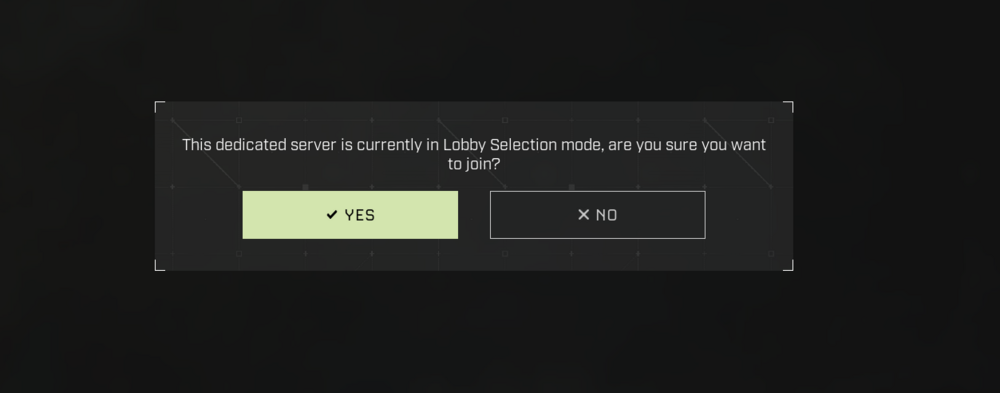
- If Icarus says the dedicated server is in Lobby Selection mode, click Yes.
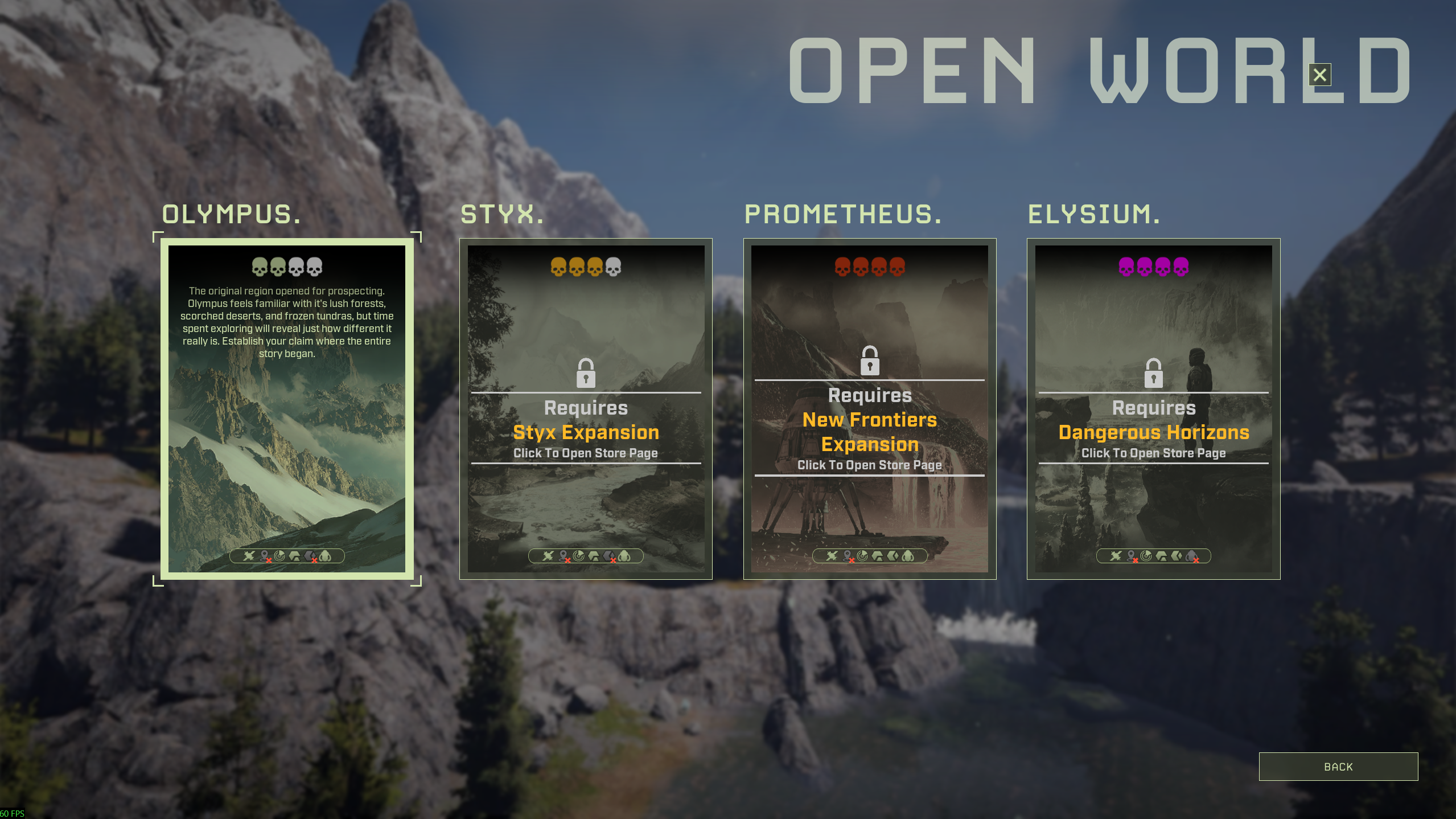
- Choose the prospect type you want to create. This example uses Open World.

- Select the region you want to use. In this example, Olympus is selected. Some regions require the matching Icarus expansion before they can be used, such as Styx, Prometheus, or Elysium.
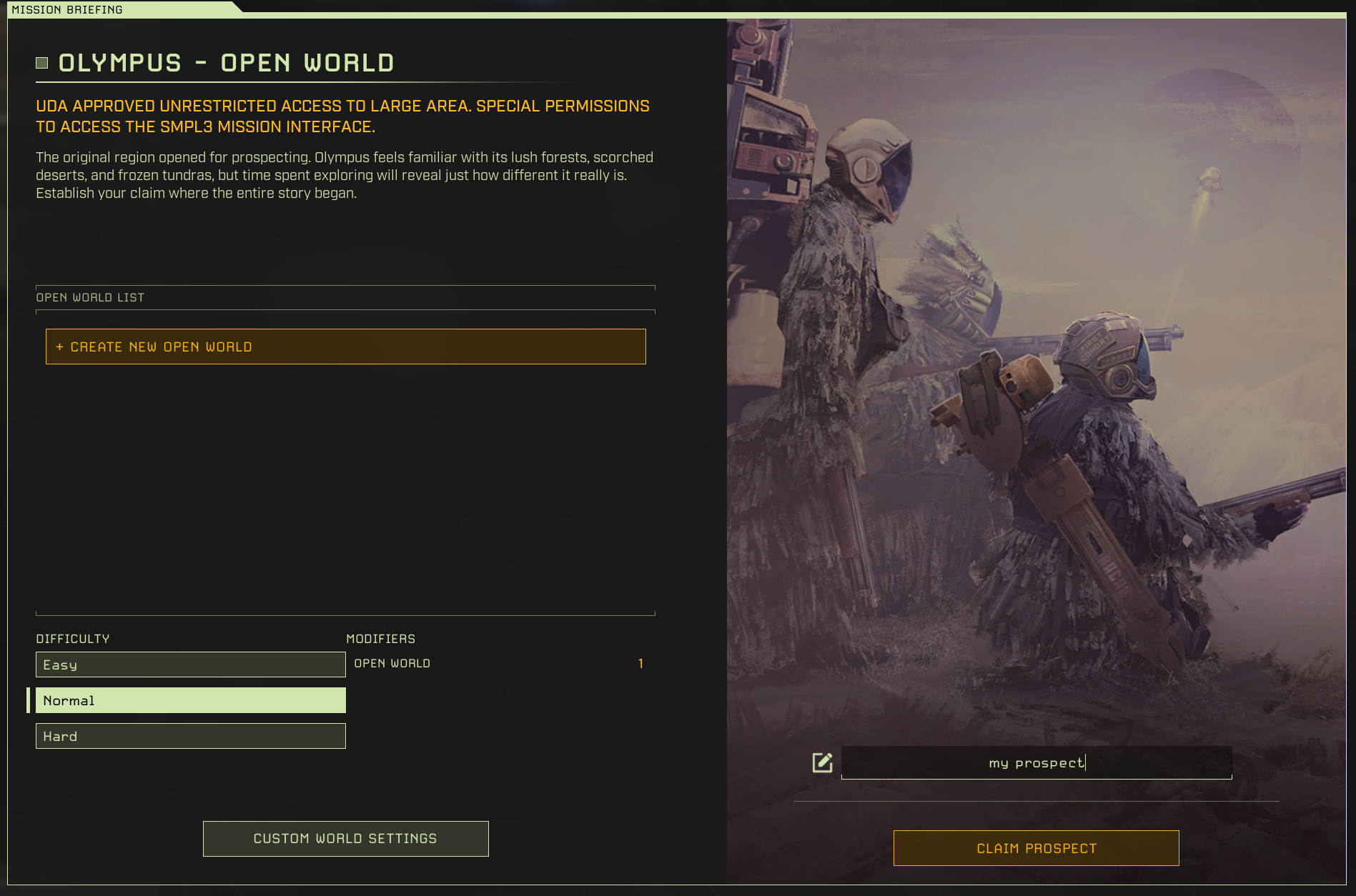
- Click Create New Open World, choose the difficulty, enter a prospect name, then click Claim Prospect.
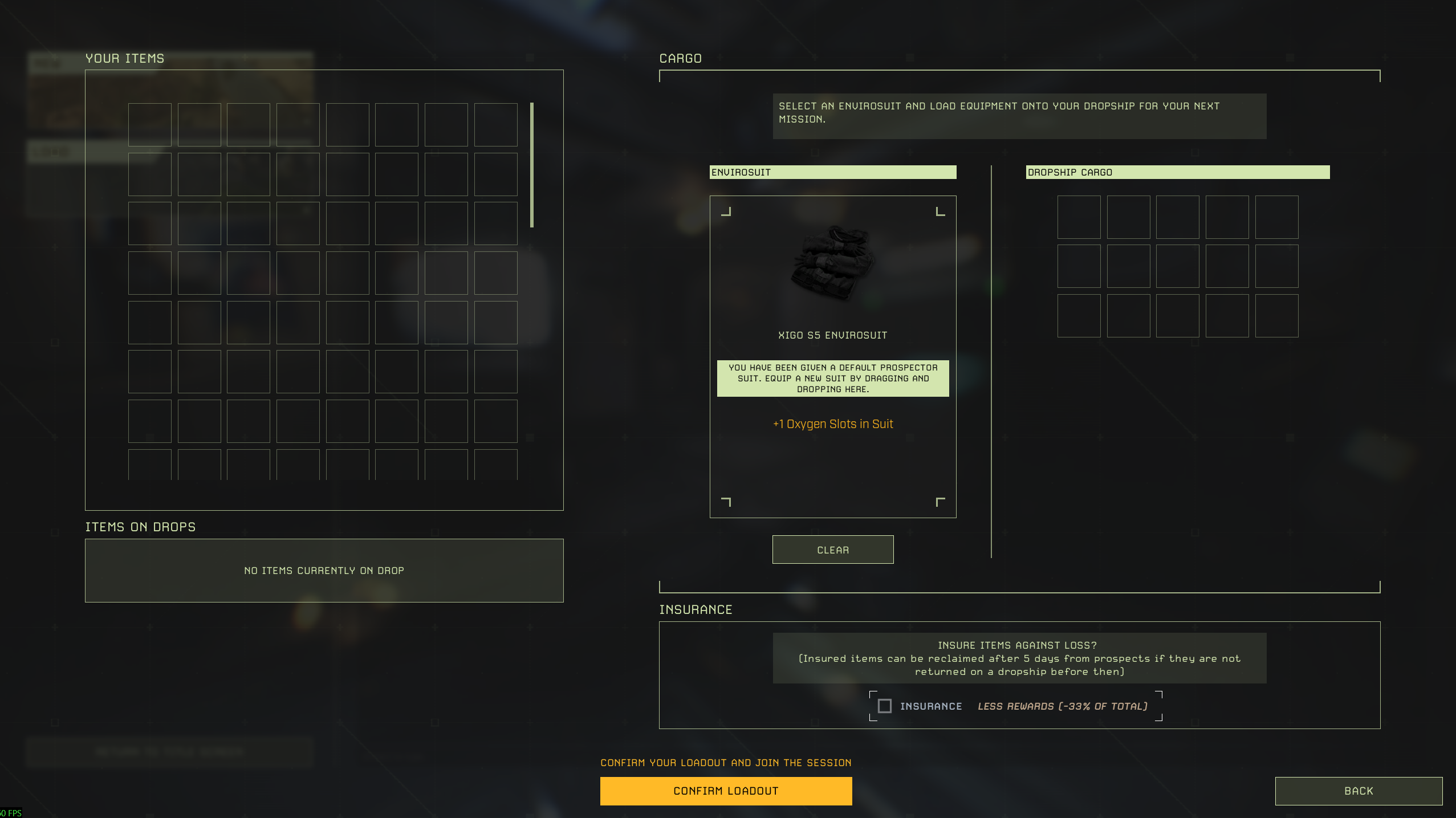
- Choose your loadout, then click Confirm Loadout.
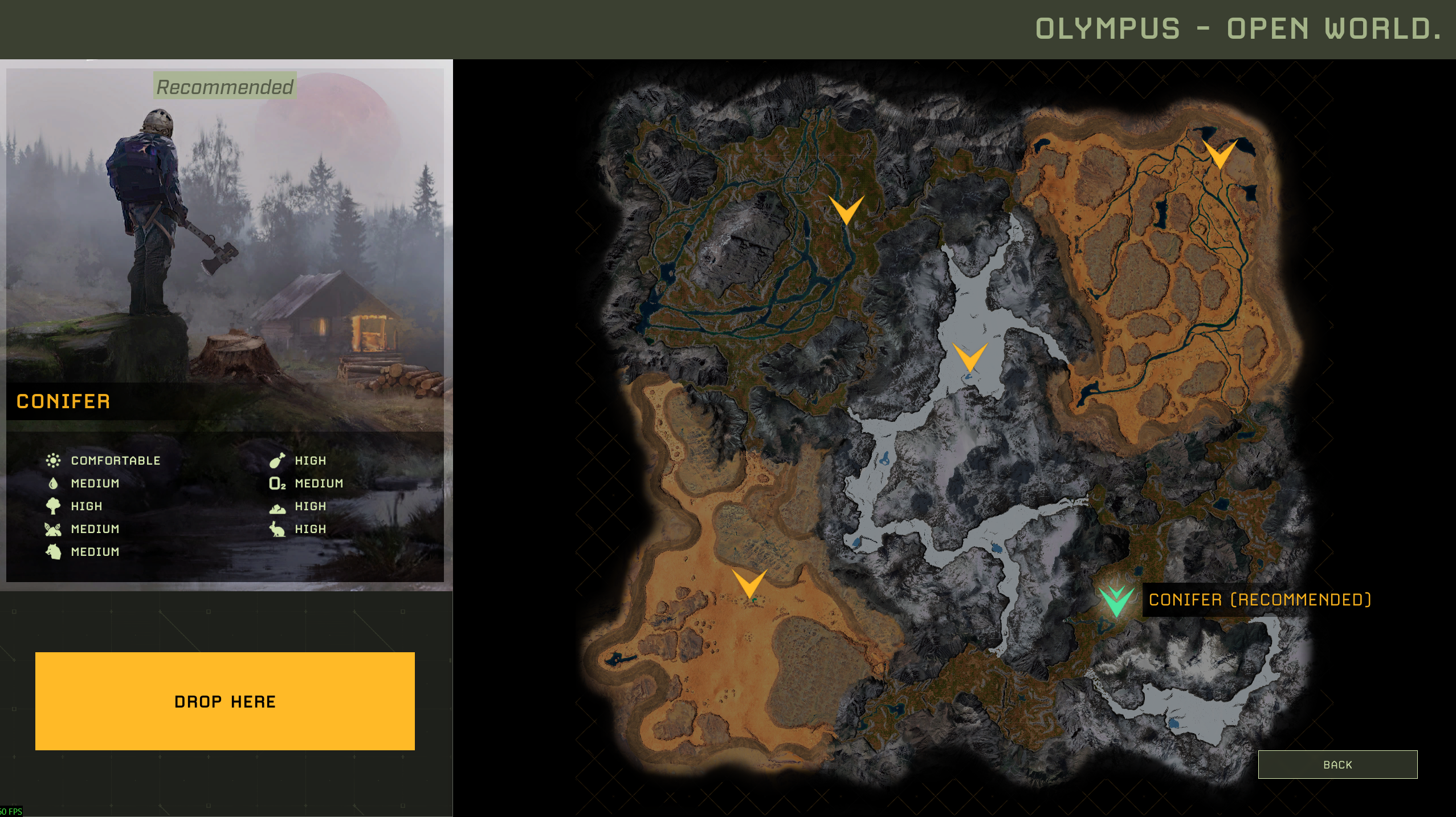
- Choose a drop zone, then click Drop Here.
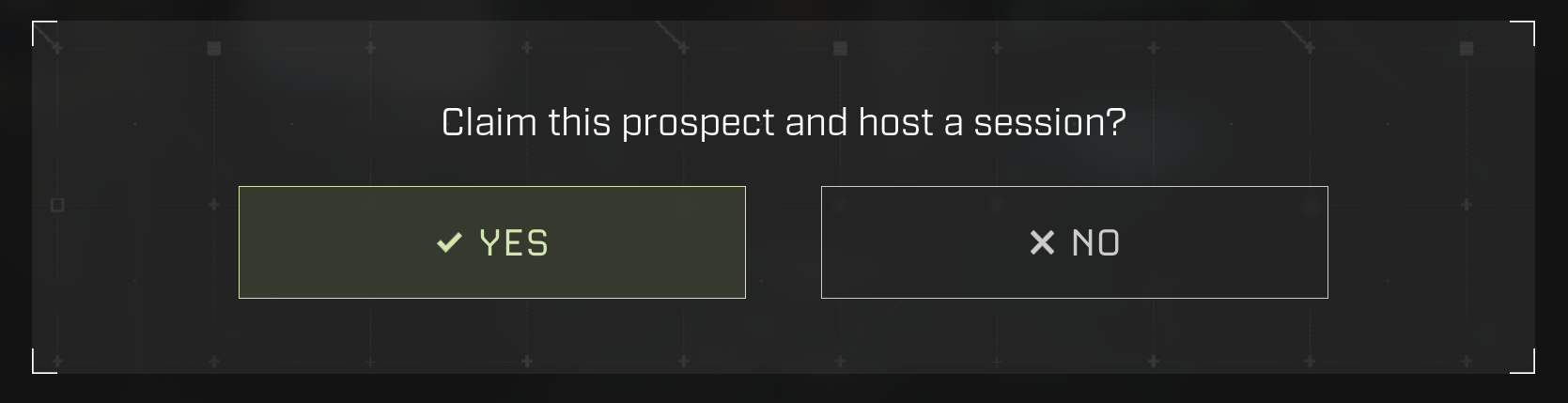
- Click Yes when Icarus asks whether to claim the prospect and host a session.
- Wait for the prospect to load. After it is running, the server will continue using it while Resume Prospect is enabled.
If the server keeps loading an old prospect, see How to change which prospect your Icarus server loads.
