You need the server address from the control panel before joining your V Rising server. If the server has a password set, players need that password as well.
Need a server first? You can order a V Rising server.
Find the server address
- Open your V Rising server in the control panel.
- Make sure the server is running. If it is stopped, click Start and wait for it to finish starting.
- Copy the Connection Info value. This is the IP and port players use to connect, for example
45.92.36.105:27185.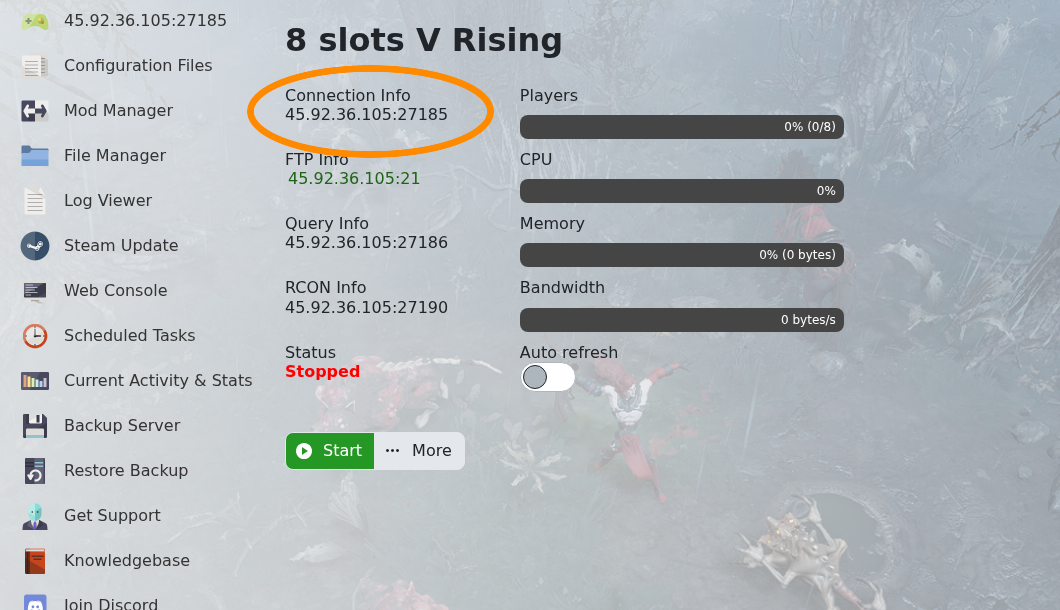
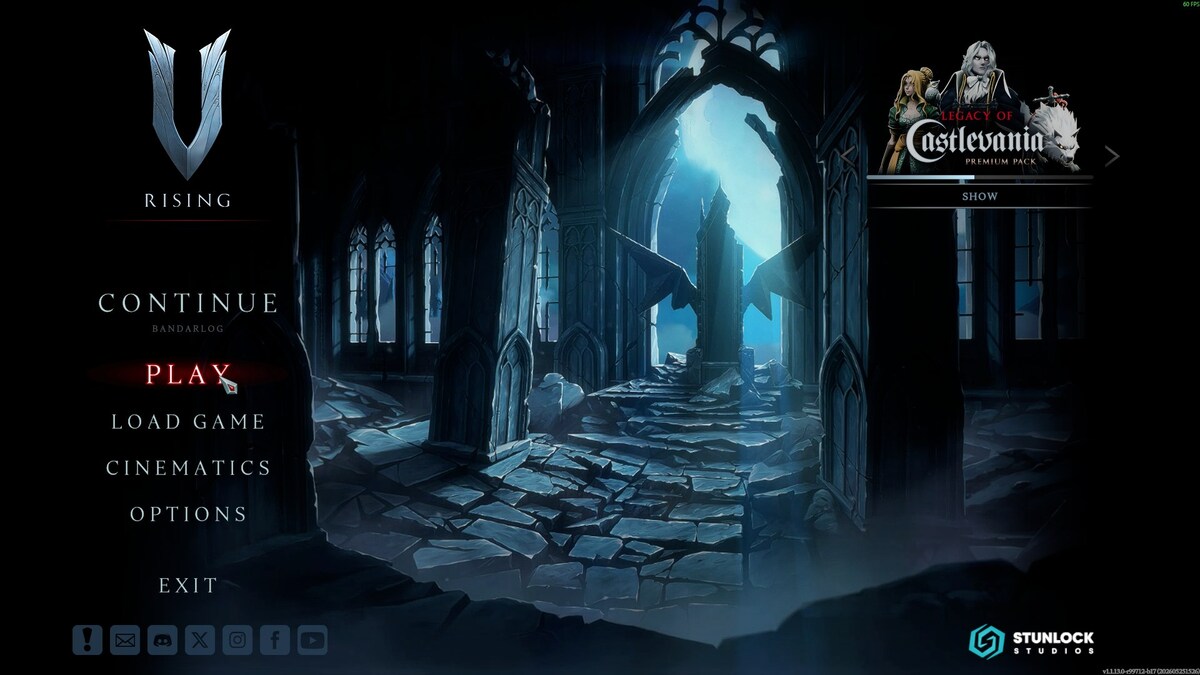
Join from V Rising
- Launch V Rising and click Play.
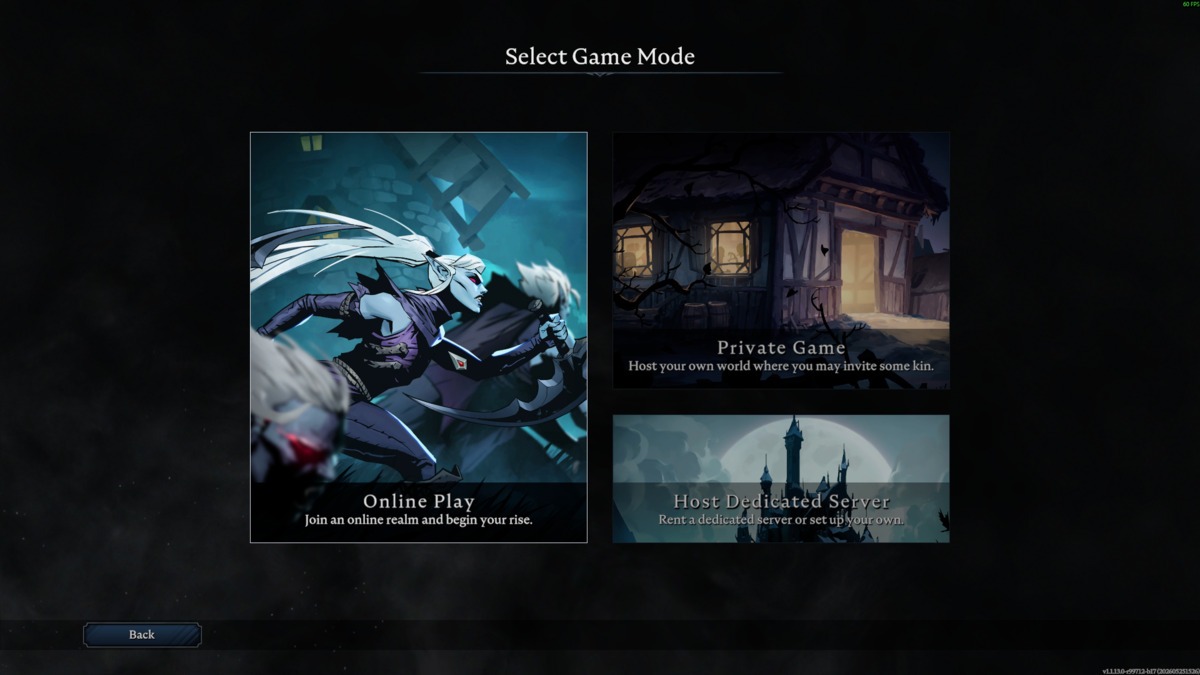
- Select Online Play.
- Choose the server type you want to browse, then click Show all Servers.
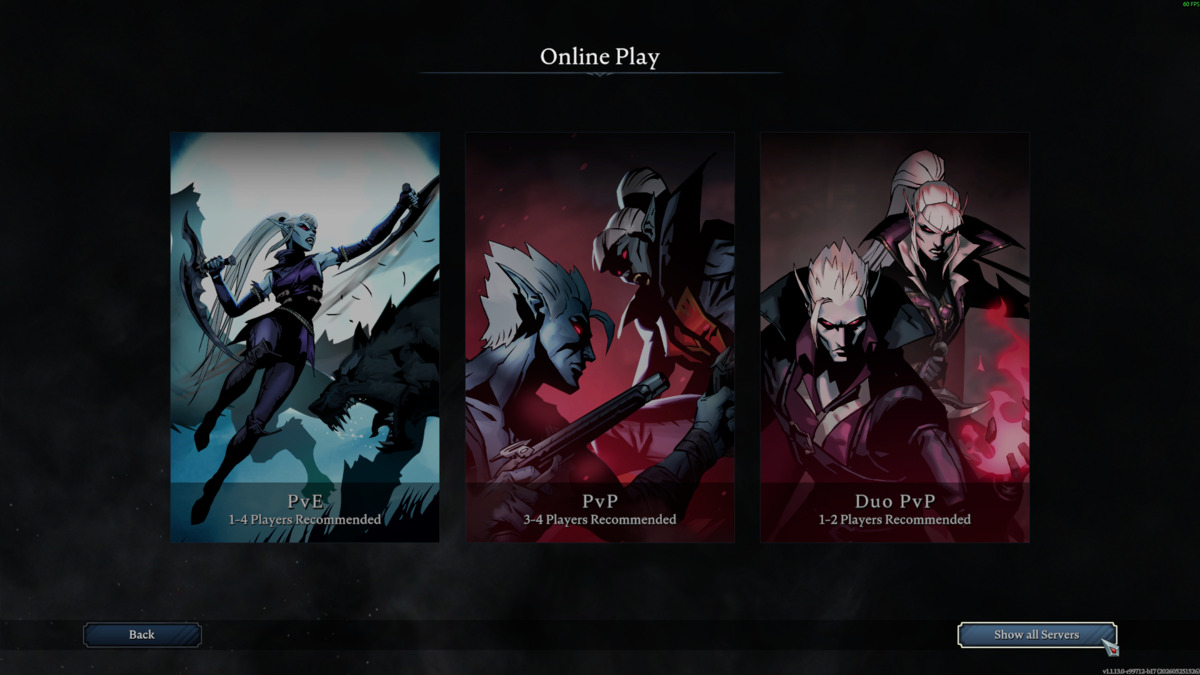
- The server browser will open and show public servers.
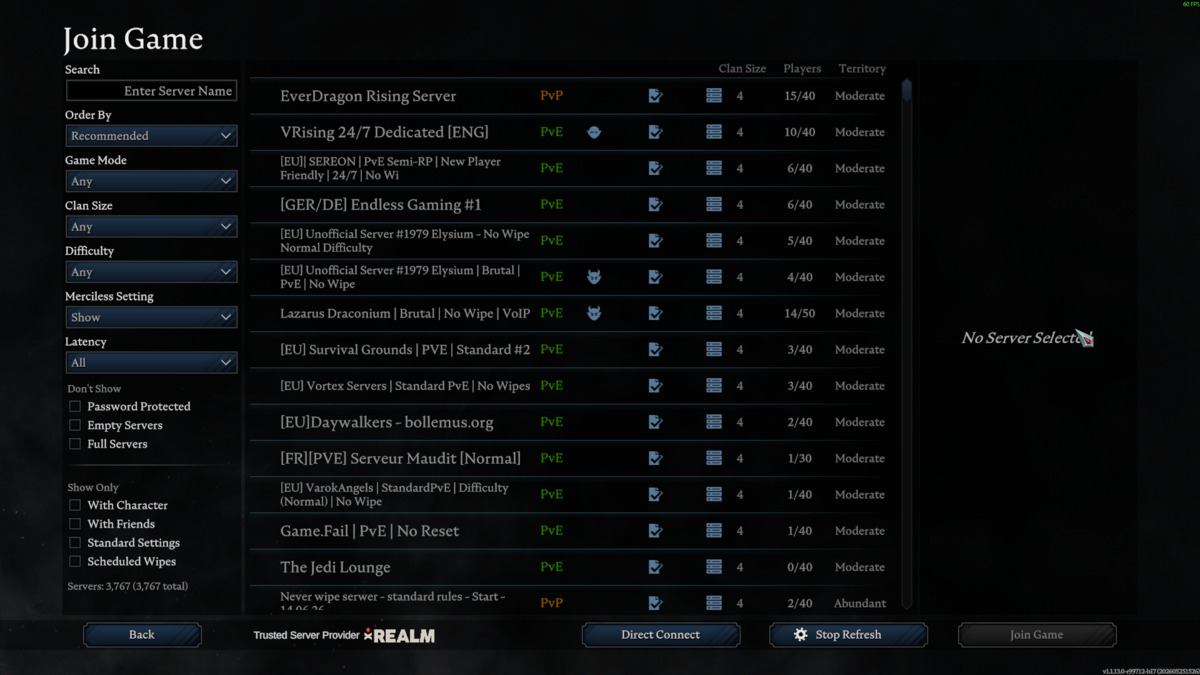
- Search for your server name, then select your server from the list.
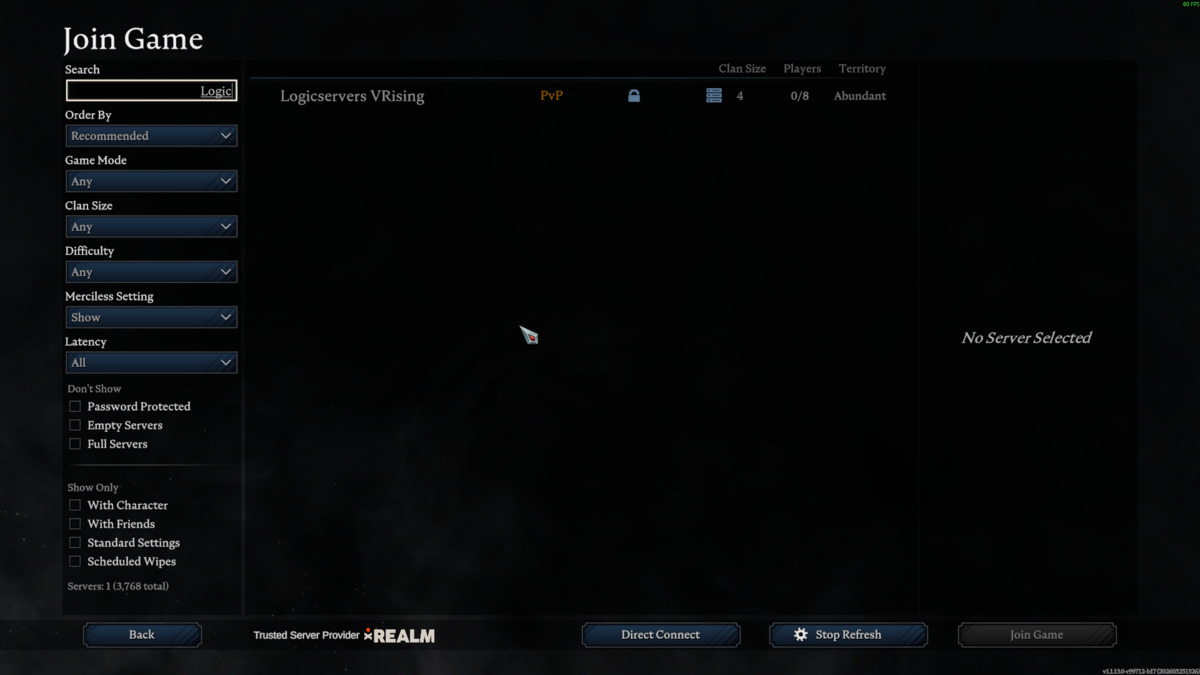
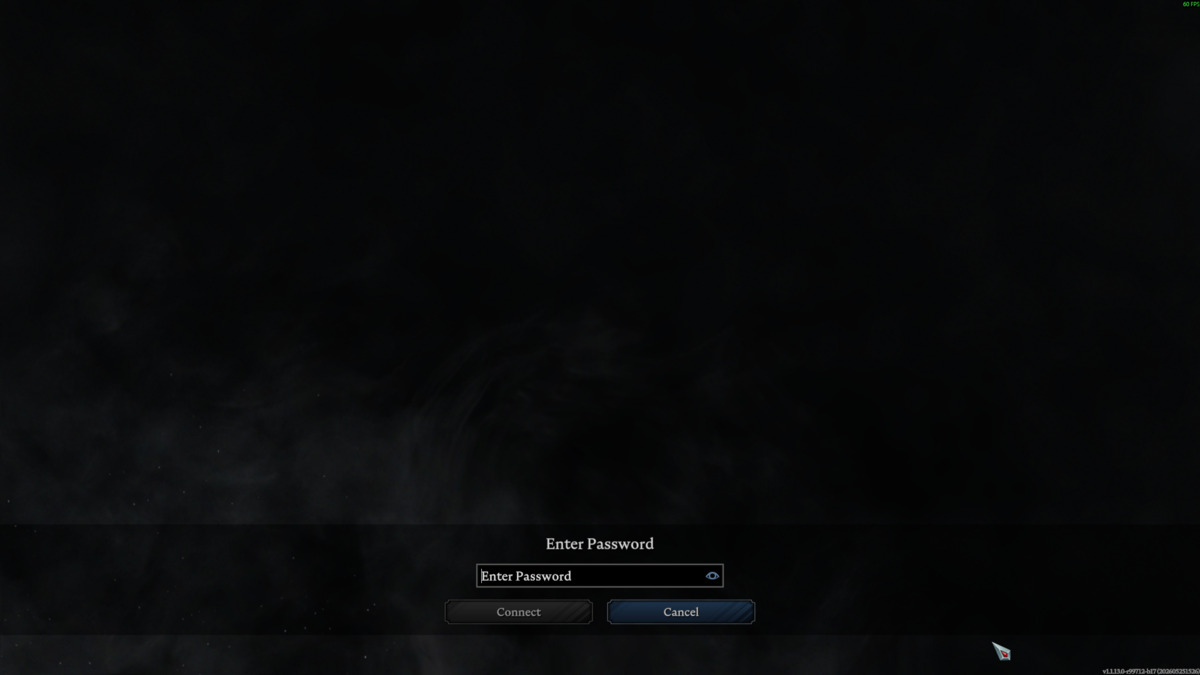
- If the server has a password, enter it when prompted, then connect.
If the server does not appear, check that List on Master Server and List On EOS are enabled in ServerHostSettings.json, then restart the server. You can also use the server address from Connection Info if the browser search does not find it. If you still cannot connect, submit a support ticket and include the address you are trying to join.
