You can join your Project Zomboid server by saving it as a favourite in the in-game multiplayer menu. Use the IP address, port, and password from your control panel, then create an account entry for the server before connecting.
- Open your Project Zomboid server in the control panel.
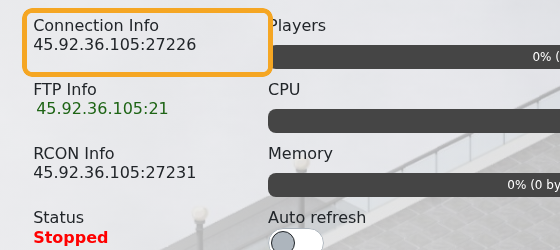
- Copy the address under Connection Info.
- Open Project Zomboid on your PC.
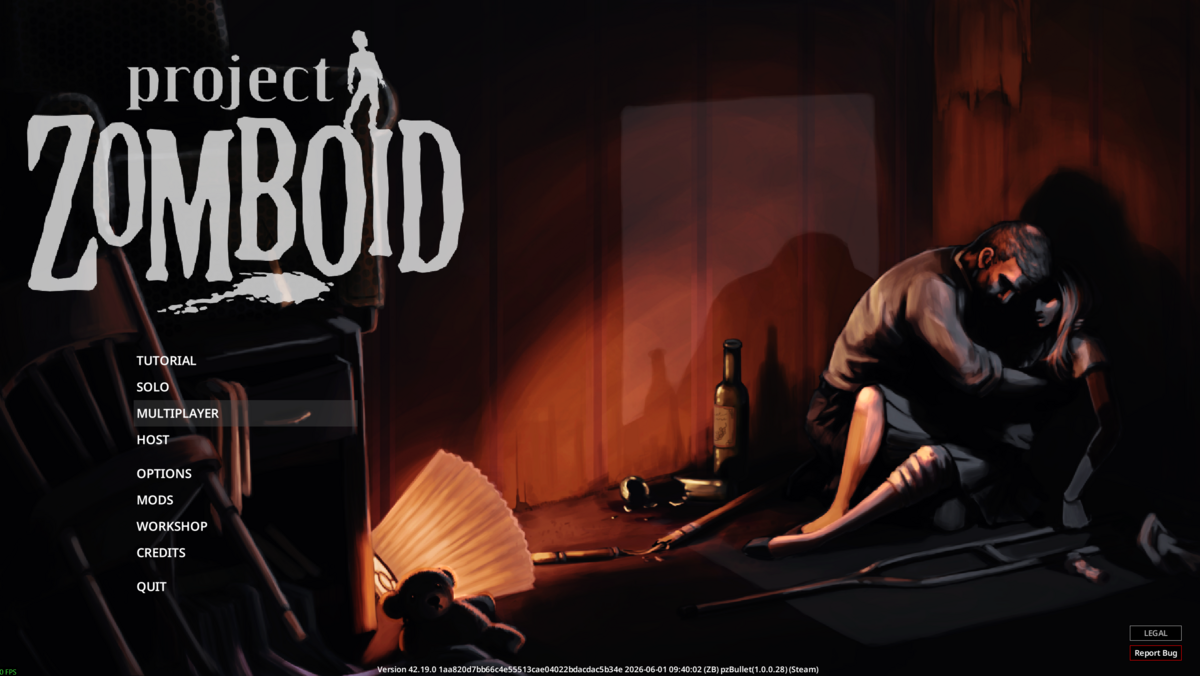
- Click Multiplayer from the main menu.
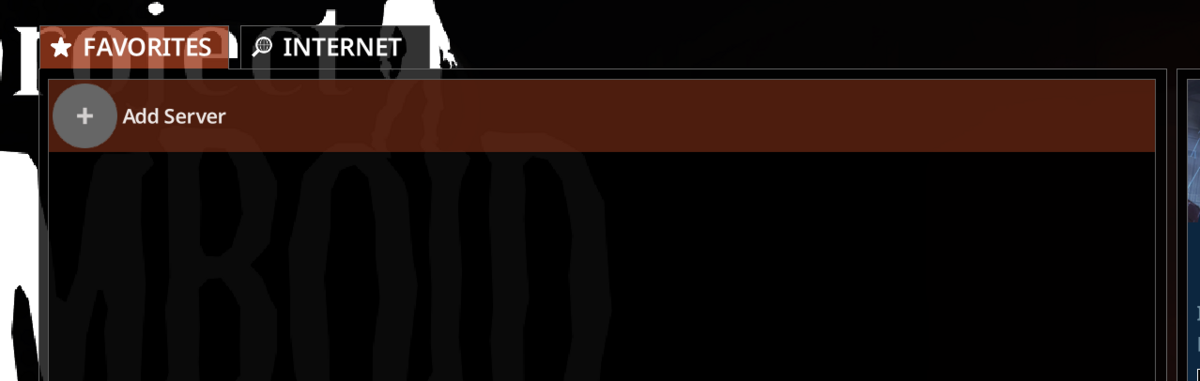
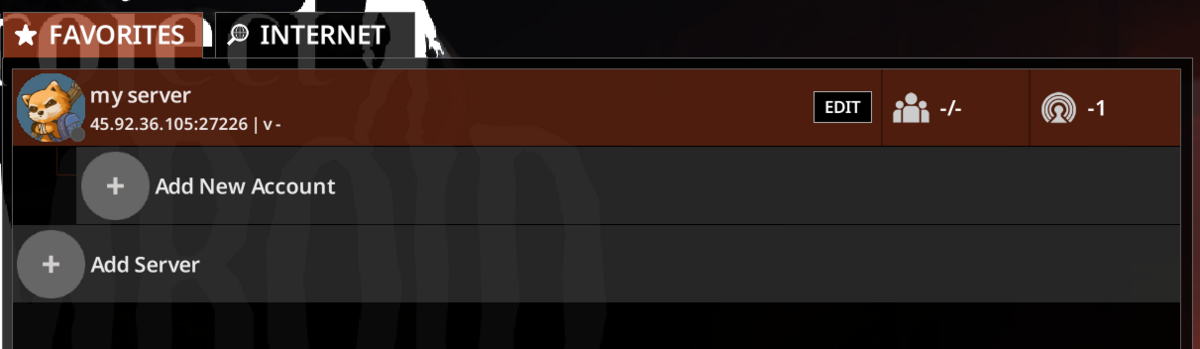
- On the Favourites tab, click Add Server.
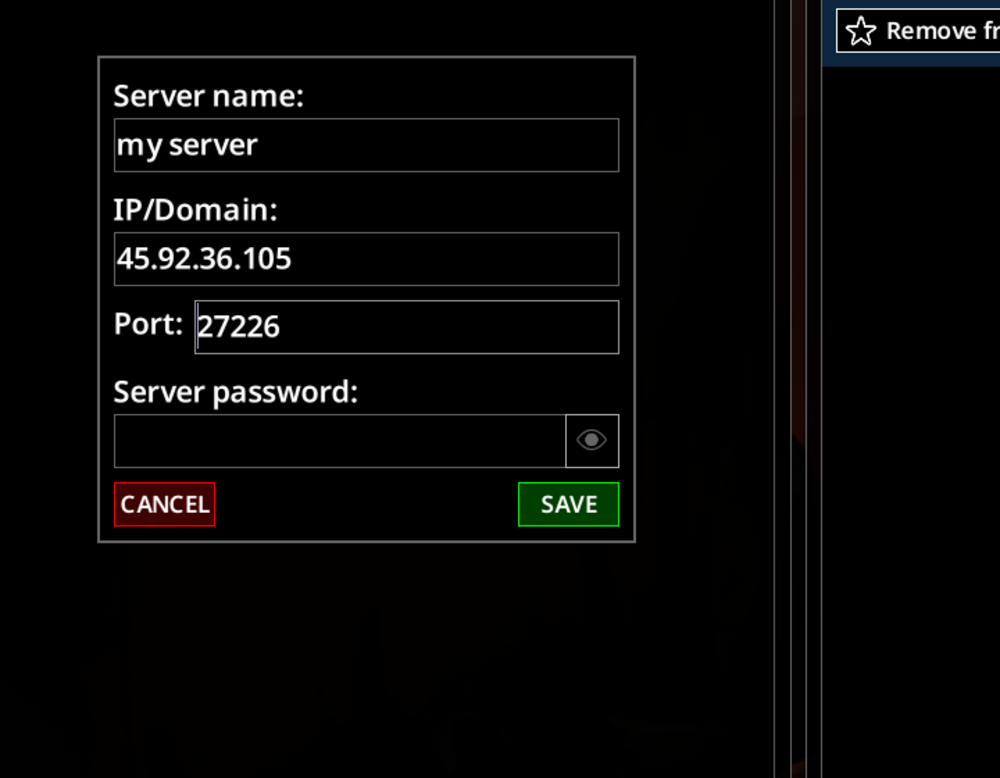
- Enter a server name, the server IP, the server port, and the server password if one is set, then click Save.
- If the saved server shows Add New Account, select it to create the account you will use on that server.
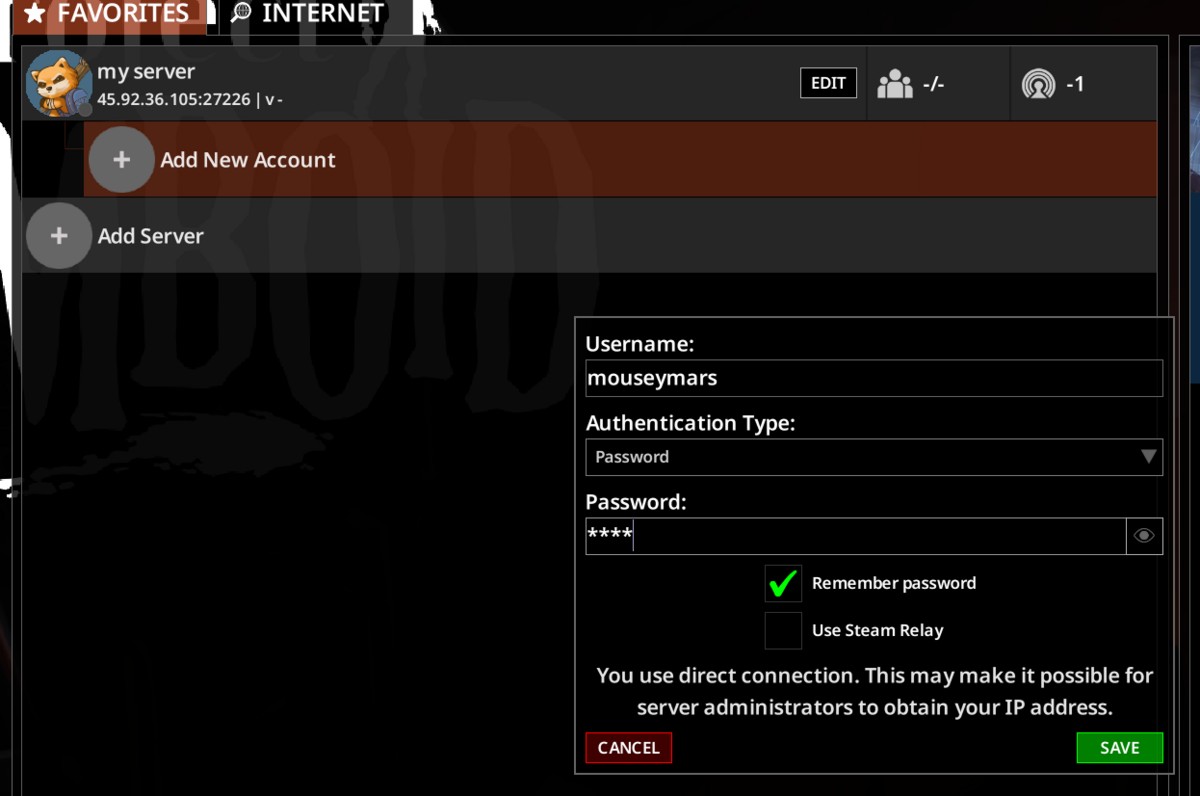
- Enter a username, choose the authentication type, enter the account password if needed, then click Save.
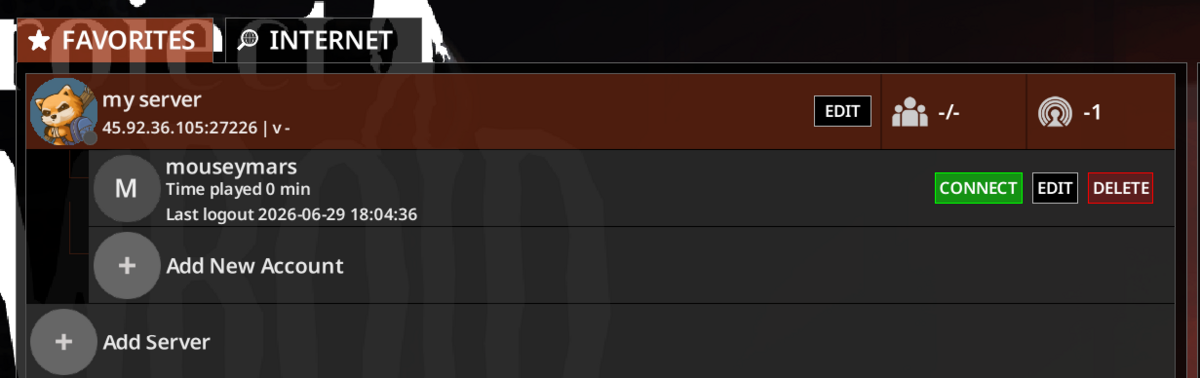
- Select the saved account, then click Connect.
If the server does not appear in the public browser, use the direct IP and port from the control panel. Make sure your game client is on the same branch as the server, especially if you have installed an unstable branch.
