Restore a Project Zomboid backup when you need to roll back after a broken mod update, accidental file change, failed branch change, or unwanted world change.
- Open your Project Zomboid server in the control panel.
- Stop the server.
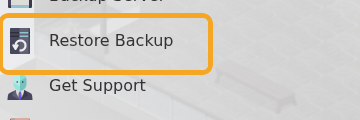
- Click Restore Backup.
- Select the backup you want to restore from the dropdown.
- Tick Are you sure?, then click Execute.

- Start the server and test that the expected save and settings are restored.
Restoring a backup replaces current server files with the backup contents, so only restore once you are sure you selected the correct backup.
Before restoring
Restoring a backup overwrites the current server files. If there is anything from the current state you may need later, create or download a fresh copy before starting the restore.
After restoring
Start the server and check the console for errors before inviting players back. If you restored because of a mod or configuration issue, confirm the server works before applying the same change again.
