Reset your Satisfactory world by removing the current save from the server save folder. This does not normally require reinstalling the server files; only the active save needs to be removed or replaced.
- Open your Satisfactory server in the control panel.
- Click Backup Server first.
- Stop the server.
- Click File Manager.
- Open
FactoryGame/Saved/SaveGames/server.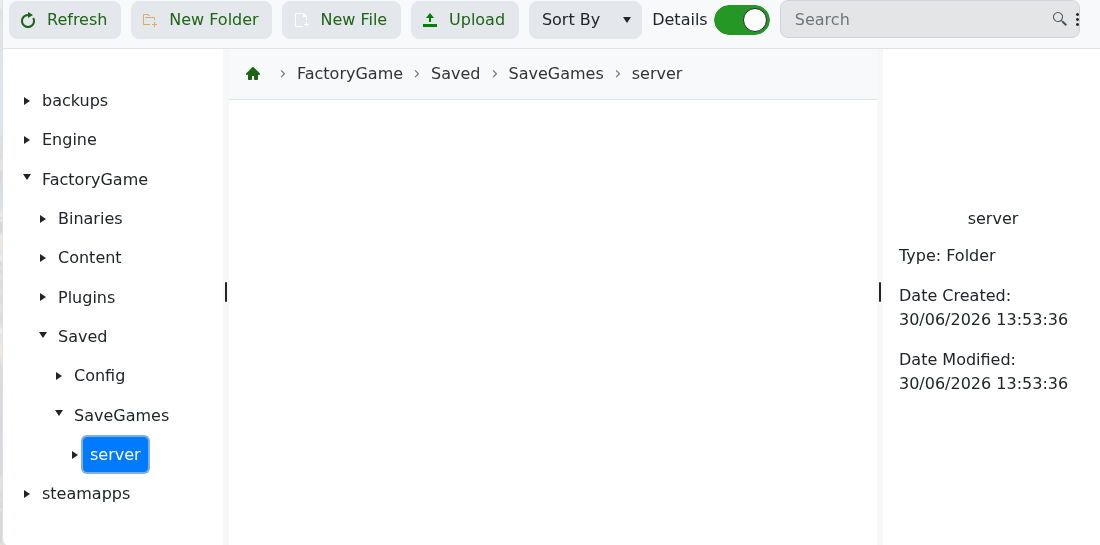
- Select the current
.savworld file, then delete it. Download a copy first if you may need it later. - Start the server.
- Use the in-game Server Manager to create or load the world you want.
If SaveGames/server does not exist yet, start and claim the server once so Satisfactory can generate the save structure. Do not delete the full FactoryGame, Engine, or steamapps folders when you only want a world reset.
