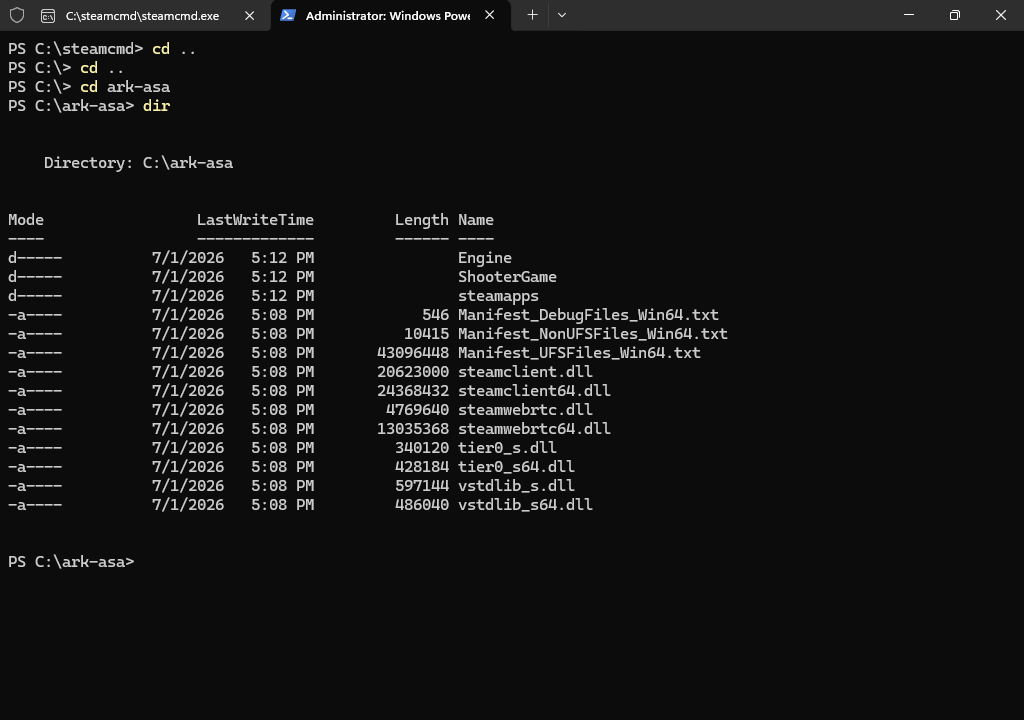
ARK Survival Ascended stores the dedicated server files inside the folder you chose with SteamCMD. In our Windows VPS examples, that folder is C:\ark-asa.
The server creates most save and config files after it has started at least once.
If a folder is missing on a new install, start the server, let it finish the first startup, stop it, then check again.
| Path | What it is used for |
|---|---|
C:\ark-asa | Main server install folder used by the SteamCMD examples. |
C:\ark-asa\ShooterGame\Binaries\Win64 | Contains ArkAscendedServer.exe, the Windows dedicated server executable. |
C:\ark-asa\ShooterGame\Saved | Main save/config folder created by the server after startup. |
C:\ark-asa\ShooterGame\Saved\SavedArks | World save data, tribe data, player data, and map save files. |
C:\ark-asa\ShooterGame\Saved\Config\WindowsServer | Windows dedicated server config files such as GameUserSettings.ini and Game.ini. |
start-asa.bat | Your custom start file. This is wherever you saved it, commonly the desktop or C:\ark-asa. |
Back up ShooterGame\Saved before editing config files, changing maps, testing mods, or wiping the server.
For config editing, use How to change ARK Survival Ascended server settings on a Windows VPS.
