Windows VPS servers include a desktop, so you can download installers, zip files, tools, and game-server utilities through a browser or PowerShell. Only download software from official or trusted sources.
- Connect to the Windows VPS with Remote Desktop.
- Open Microsoft Edge.
- Go to the official download page for the software.
- Download the file.
- Move it into a clear folder such as
C:\ToolsorC:\Serversinstead of leaving everything in Downloads.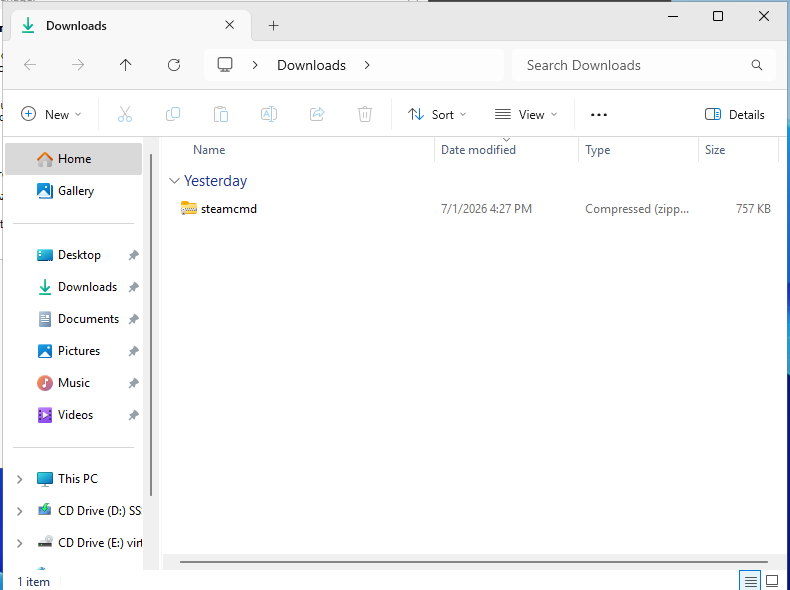
You can also download a file directly with PowerShell:
Invoke-WebRequest -Uri "https://example.com/file.zip" -OutFile "C:\Tools\file.zip"
After downloading a zip file, extract it before running the software. Keep installer files organised so you can find them later when updating.
Safer download habits
- Use official project, vendor, Steam, GitHub, or Microsoft download pages where possible.
- Keep installers in
C:\Toolsif you may need them again. - Extract server archives into
C:\Serversor another clear working folder. - Delete old installer files only after the software is installed and tested.
If a browser blocks a download, do not bypass the warning unless you are sure the source is trusted.
