If a Palworld server password does not work, first confirm whether players are joining through the community server list or direct connect. Password-protected Palworld servers are usually clearest through the community list because the game can show the password prompt during the normal join flow.
- Open
PalWorldSettings.iniwith Config Editor: Adding a password to your Palworld Server. - Confirm the password in Server Password.
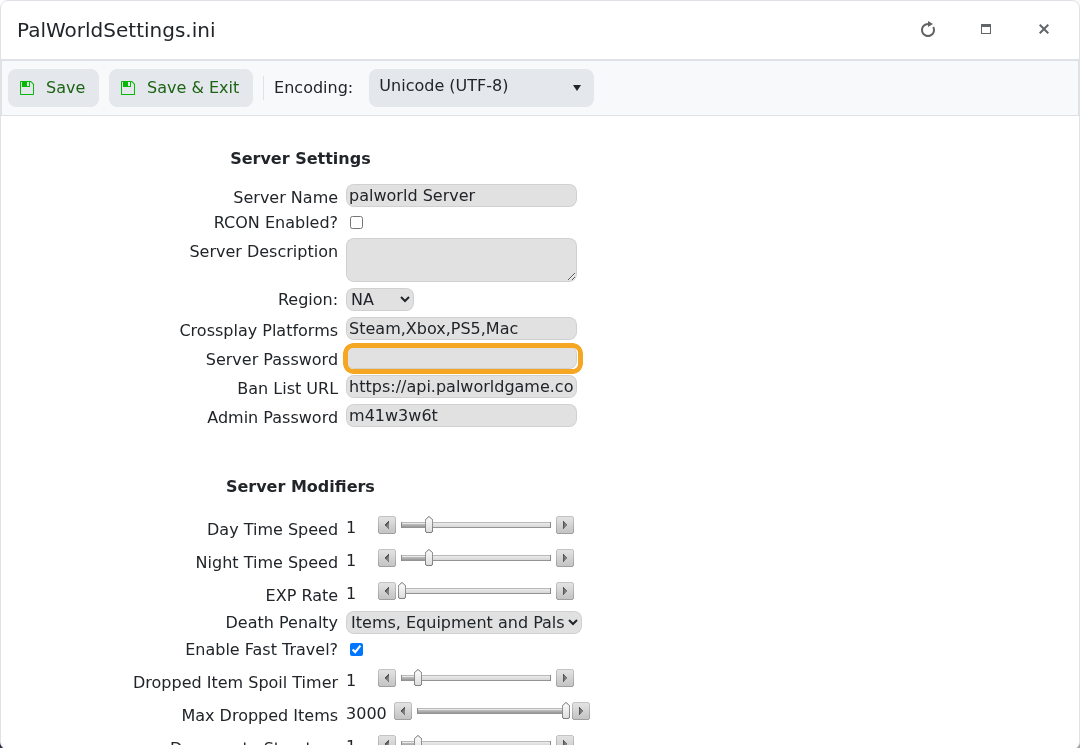
- Click Save & Exit, then restart the server.
- Ask players to search for the server from the community server list: How to join a Palworld server.
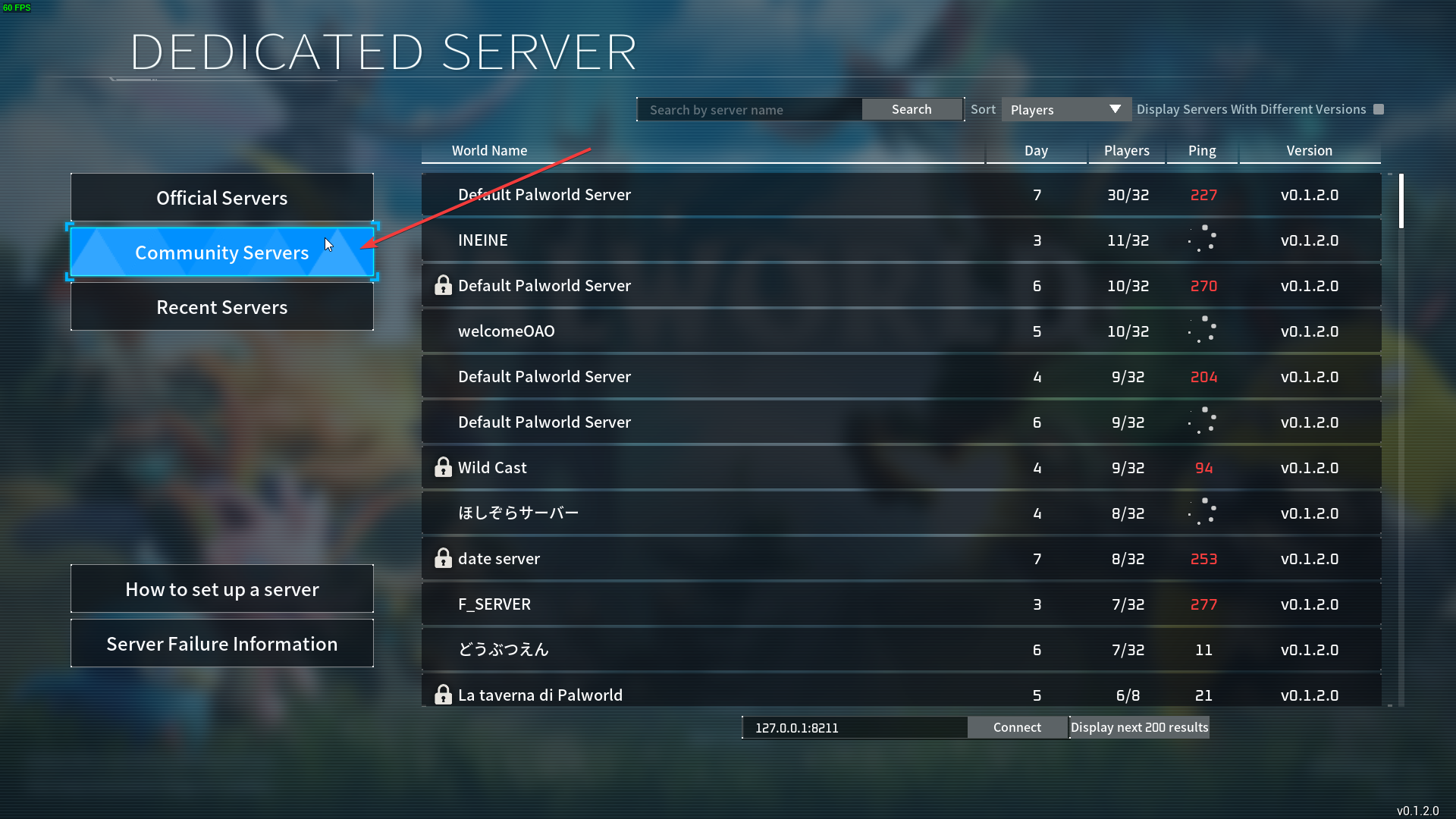
- Select the server and enter the password when Palworld asks for it.
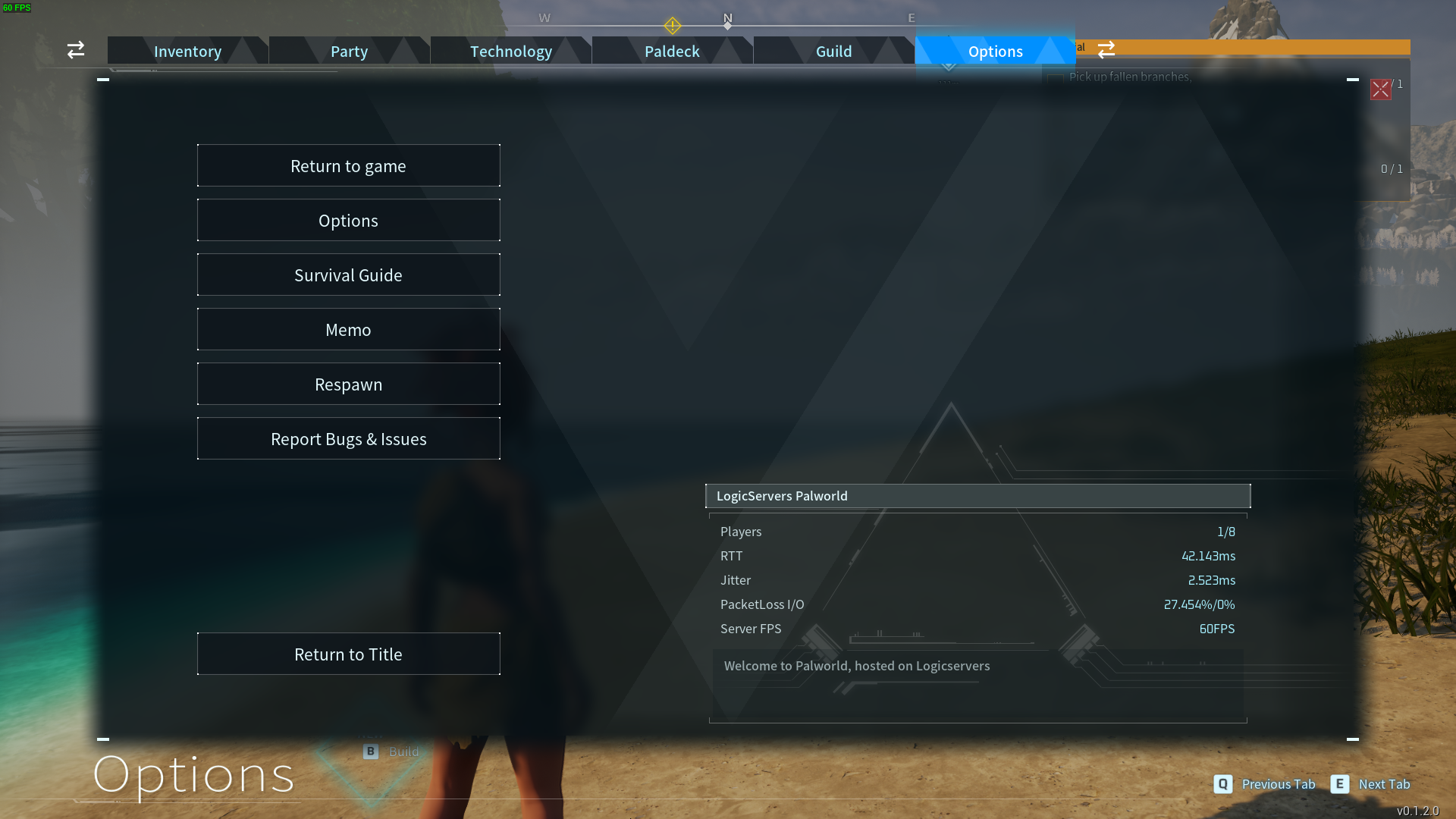
Passwords are case-sensitive. If the old password still works, the server probably has not restarted since the change. If the server does not appear in the list, use the listing troubleshooting guide: Why is my Palworld server not showing up in-game?.
