Core Keeper 使用 Game ID 来加入专用服务器。TCAdmin 在服务器启动后将当前连接详细信息写入 GameID.txt。
- 在 TCAdmin 中打开 Core Keeper 服务并确认它正在运行。
- 打开 Configuration Files,然后在
GameID.txt旁点击 Text Editor。 - 复制第一行的 Game ID。
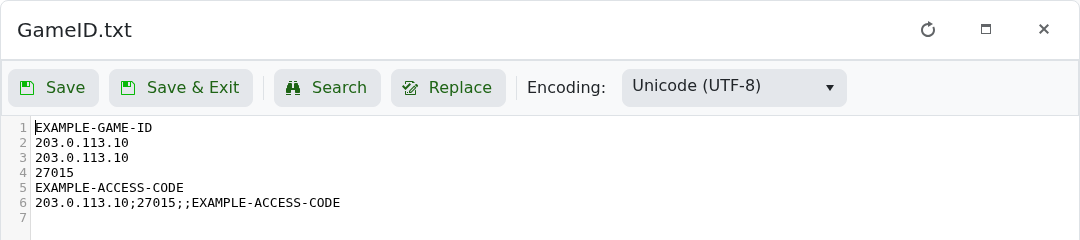
- 启动 Core Keeper,选择 Join Game,输入 Game ID 并连接。
将 Game ID 视为邀请:任何拥有它的人都可以尝试加入。如果代码在重启后更改,请使用 如何在 Core Keeper 服务器上保持相同的 Game ID 设置一个持久值。
