Core Keeper 使用编号的世界槽。选择未使用的槽会创建一个独立的世界,同时保留现有的槽。
- 使用 如何备份和恢复 Core Keeper 服务器 创建备份,然后停止服务器。
- 在文本编辑器中打开
ServerConfig.json。 - 将
world更改为未使用的槽号,范围从0到29。 - 设置一个易识别的
worldName。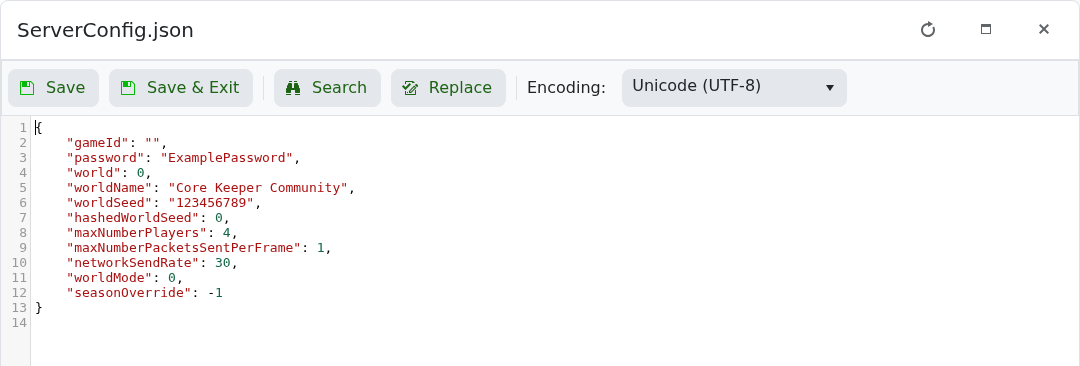
- 保存文件并启动服务器。加入一次并等待新世界完成保存。
"world": 1,
"worldName": "Fresh Core Keeper World"
要返回到之前的世界,停止服务器并恢复之前的 world 槽号。world-data 文件夹可能要等到有玩家加入并完成第一次保存后才会出现。
